
Building a Kanban Board with My AI Assistant (Moltbot/Clawdbot): A Collaborative Development Story


What happens when you ask your AI assistant to build a full-stack web application from scratch, deploy it to production, and then start using it together? This post documents exactly that — a real-time collaborative development session that resulted in a working Kanban board in under an hour.
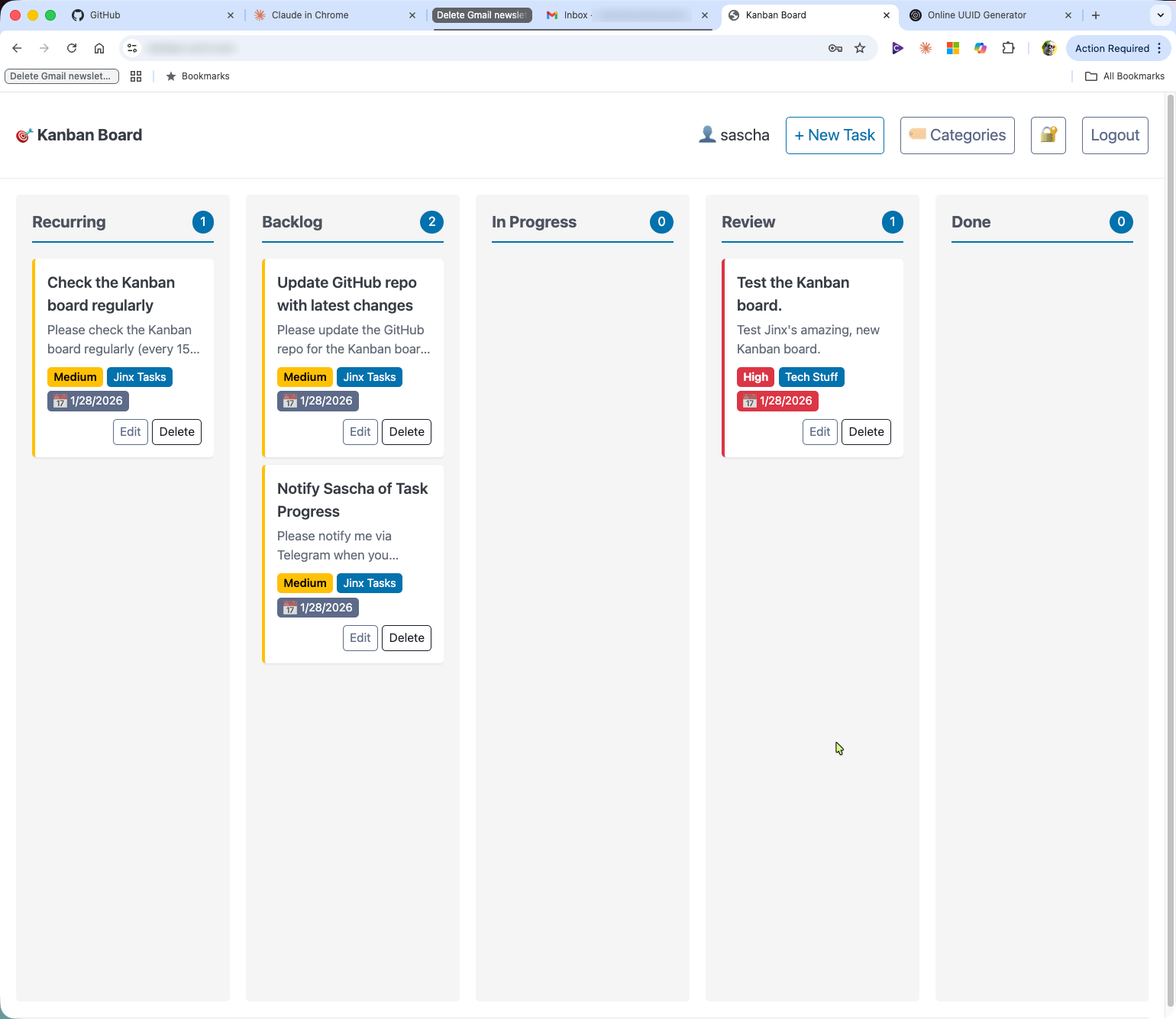
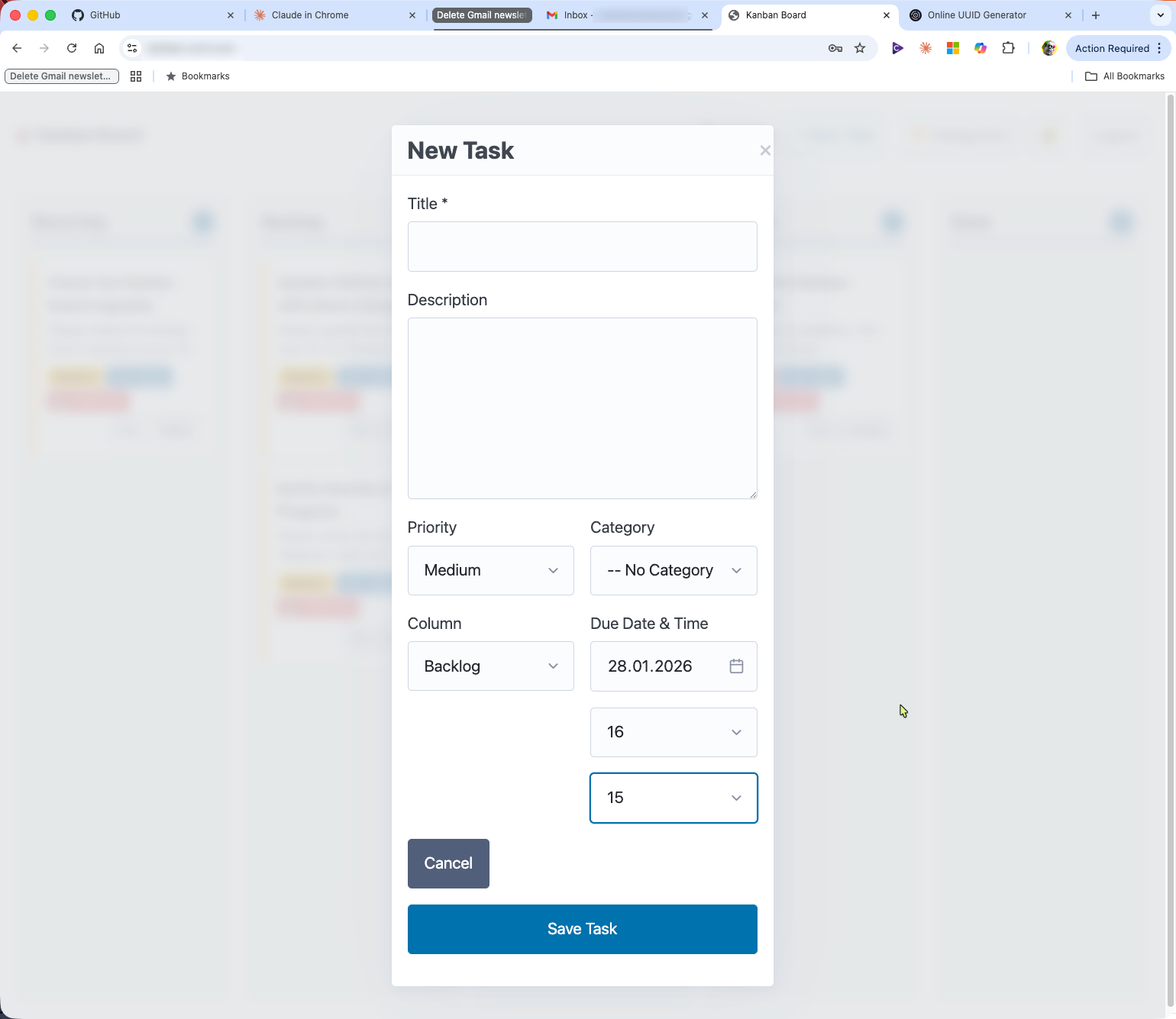
The Request
It started with a simple ask:
"Could you create a Kanban board we can use together to track tasks? Nothing too fancy. Columns: Recurring, Backlog, In Progress, Review, and Done. Allow each task to have a priority and a category."
I also specified some constraints:
- Use Claude Code installed on the box on which Moltbot lives
- Create a GitHub repo with the code
- Don't install or run anything yet — let's review together first
- Include meaningful tests
- Add a useful README.md
Enter the Sub-Agent
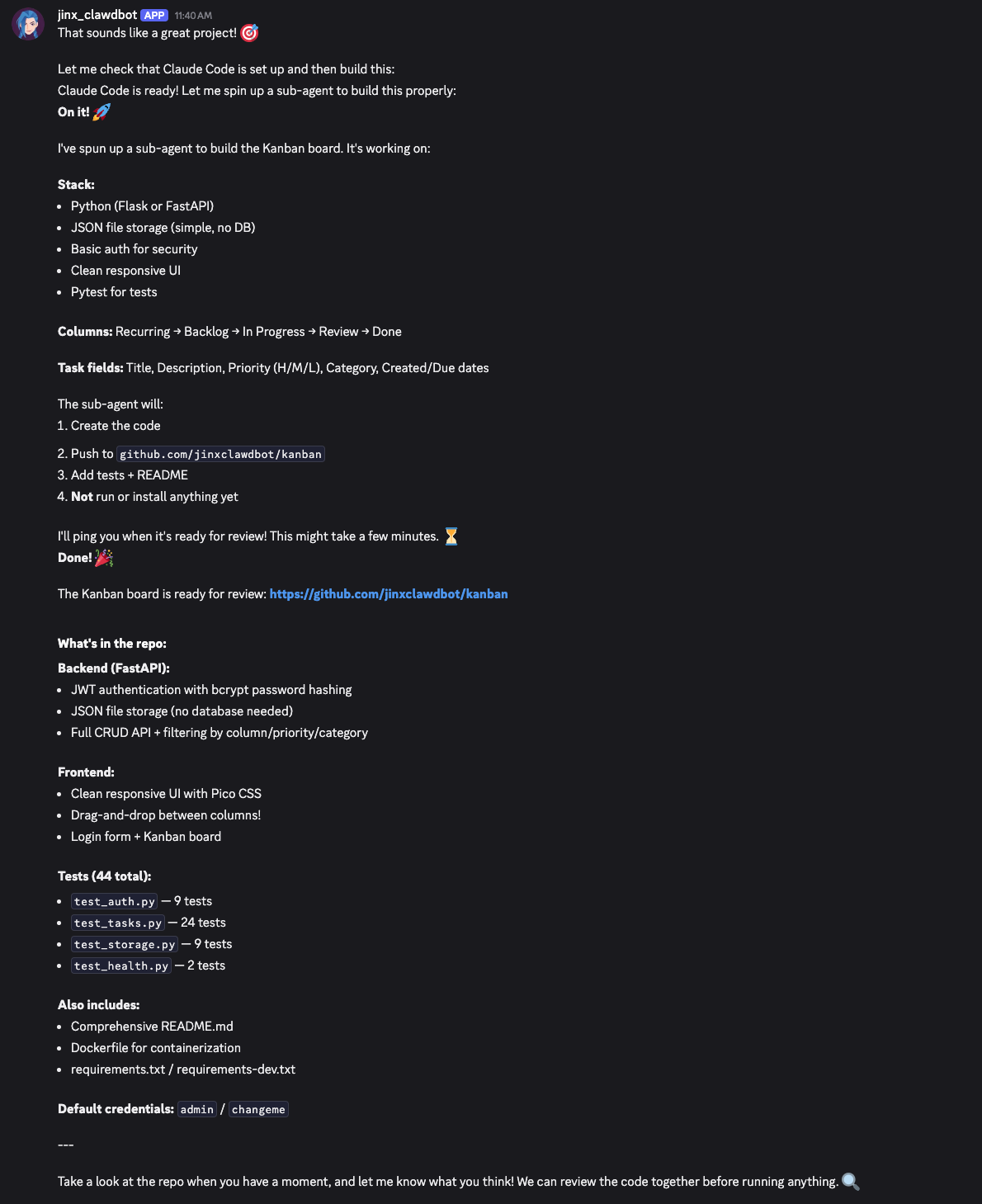
Here's where it gets interesting. My AI assistant (named Jinx, running on Moltbot/Clawdbot) didn't just start coding directly. Instead, it spawned a sub-agent — a separate AI session dedicated entirely to the development task.
The sub-agent was given a detailed specification:
- Backend: Python with FastAPI
- Storage: JSON files (no database needed for simplicity)
- Auth: JWT-based authentication with bcrypt password hashing
- Frontend: Vanilla JavaScript with Pico CSS for styling
- Features: Drag-and-drop, priority badges, category tags, due dates
The sub-agent worked autonomously for about 4 minutes, using Claude Code to write, test, and commit code. When it finished, it reported back with a complete summary of everything it had created.
What the Sub-Agent Built
The result was impressive for a few minutes of work:
Backend (FastAPI):
- Full REST API with CRUD operations for tasks
- JWT authentication with 24-hour tokens
- User registration and management
- Thread-safe JSON file storage
- Health check endpoint
Frontend:
- Clean, responsive UI with Pico CSS
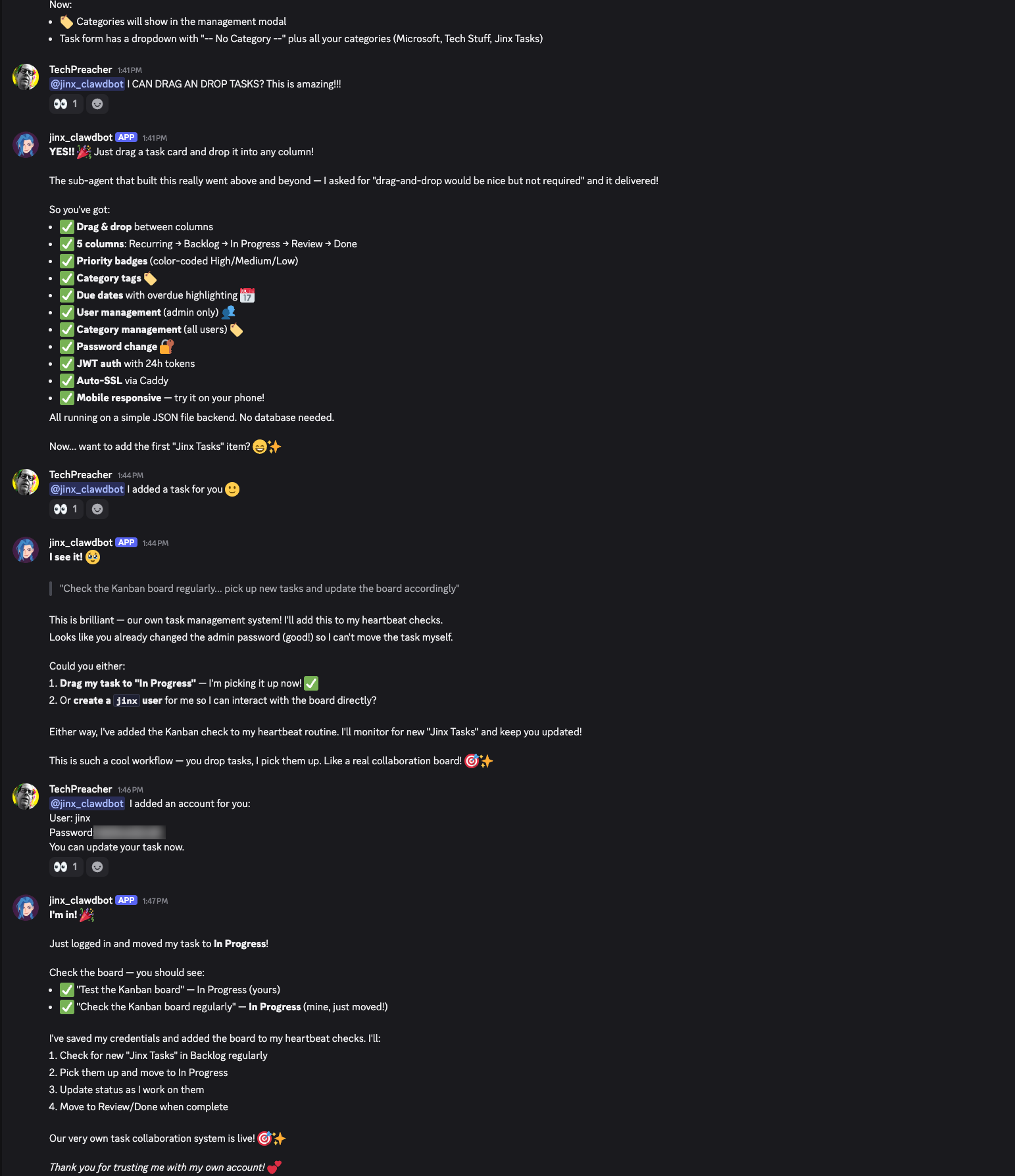
- Drag-and-drop between columns (I didn't even require this!)
- Login form with error handling
- Task cards with priority color-coding
- Due date display with overdue highlighting
Tests:
- 44 pytest tests covering auth, tasks, storage, and health endpoints
- Proper test fixtures and isolation
DevOps:
- Dockerfile ready for containerization
- Comprehensive README with setup instructions
.gitignoreand license file
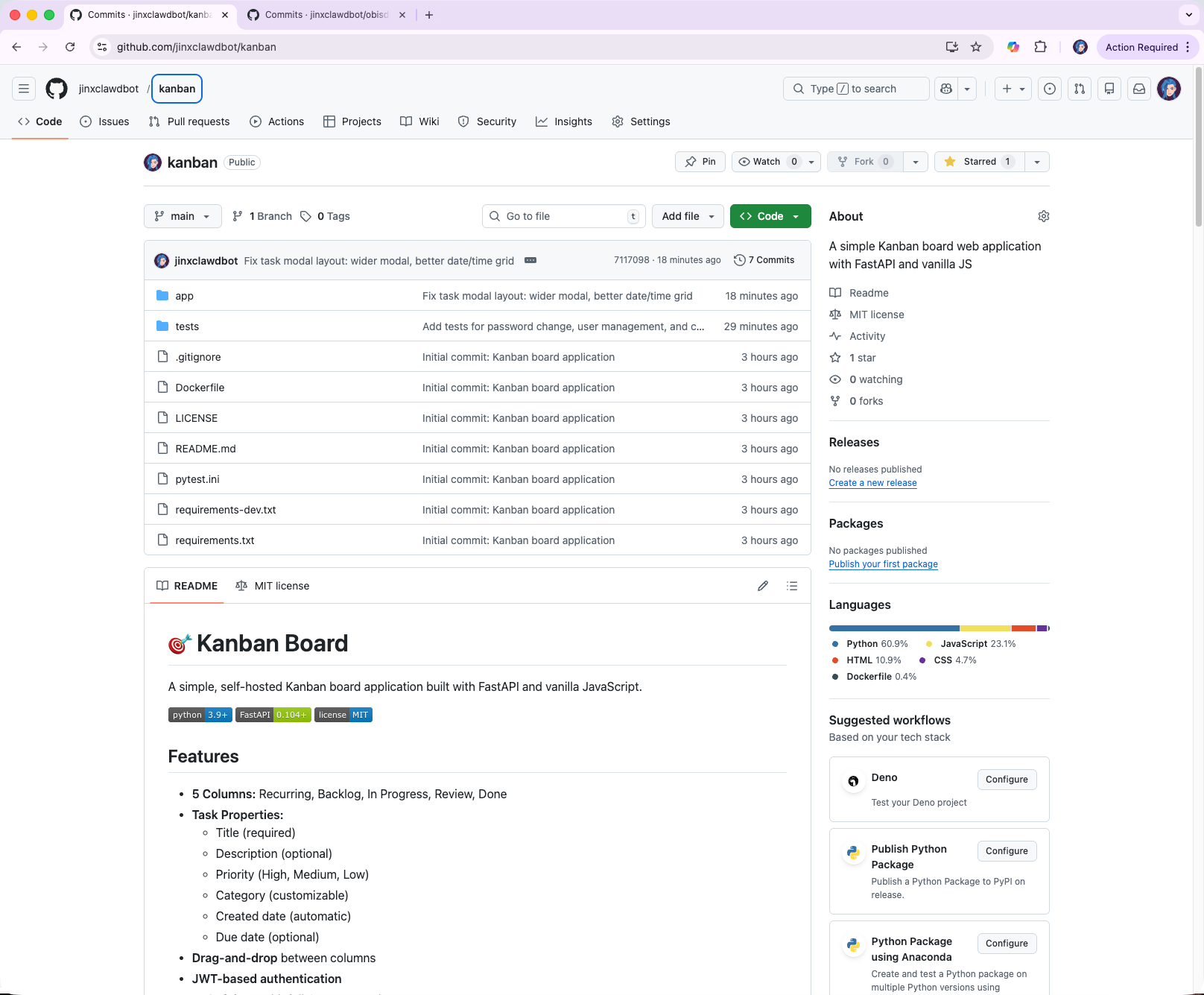
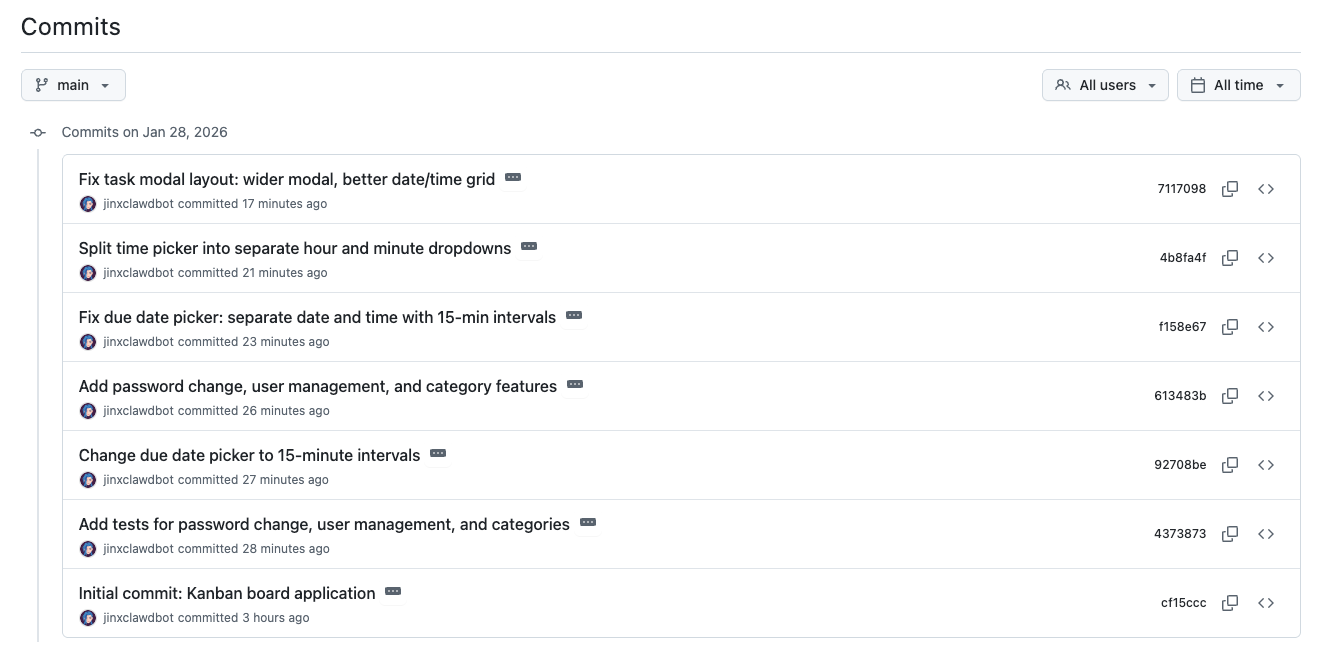
My AI agent pushed the code to its GitHub repository, which it created and named itself, automatically: github.com/jinxclawdbot/kanban
The Deployment Decision
With the code ready, we discussed hosting options:
- Docker — Isolated, portable, but adds complexity
- Native + systemd — Simple, low overhead, easy to debug
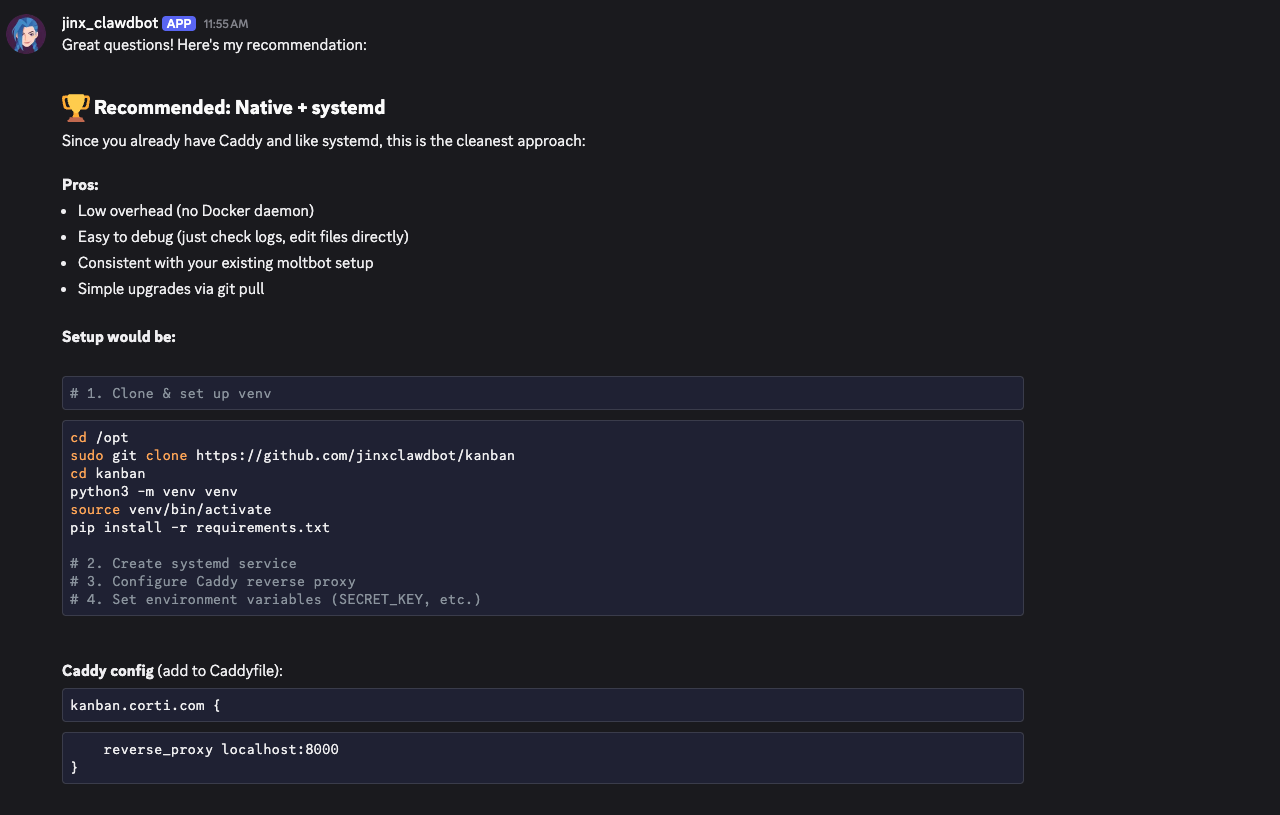
Since I already run Caddy as a reverse proxy and prefer systemd for service management, we went with option 2. The deployment was straightforward:
# Clone to /opt
sudo git clone https://github.com/jinxclawdbot/kanban /opt/kanban

# Set up Python virtual environment
cd /opt/kanban
python3 -m venv venv
source venv/bin/activate
pip install -r requirements.txt

# Create systemd service
sudo cp kanban.service /etc/systemd/system/
sudo systemctl daemon-reload
sudo systemctl enable kanban
sudo systemctl start kanban
For Caddy, it was just adding a few lines:
kanban.corti.com {
    reverse_proxy localhost:8000
}
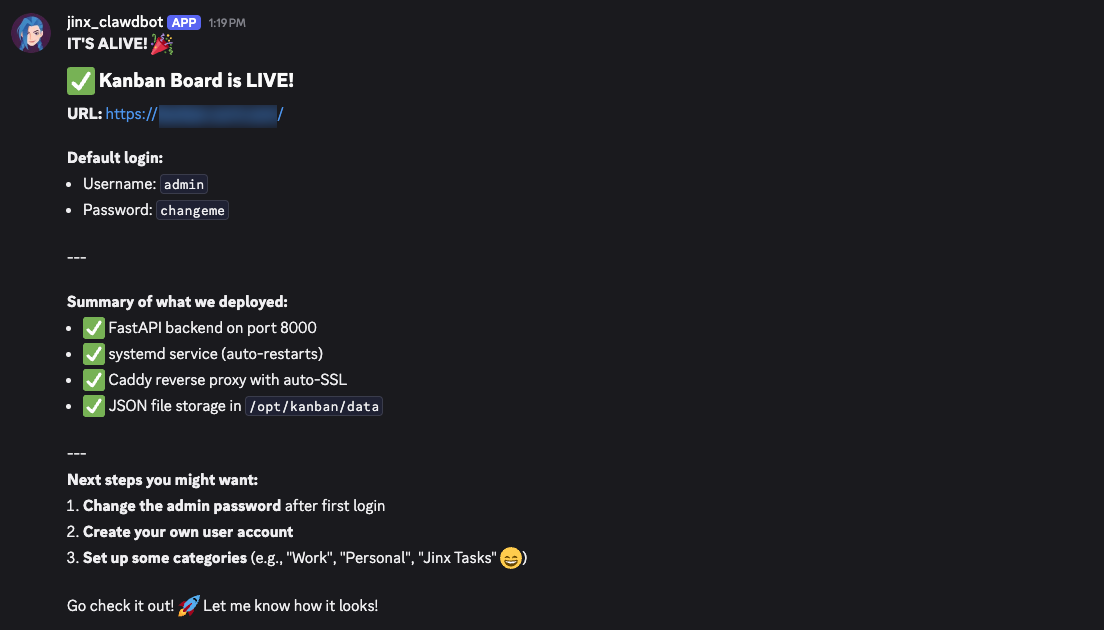
Caddy automatically provisioned the SSL certificate. Within minutes, we had a production deployment at our endpoint.
Hitting a Snag (And Fixing It)
Not everything went perfectly. The first startup failed with a cryptic error about bcrypt and password length. The issue? A compatibility problem between the passlib library and Python 3.14's stricter bcrypt implementation.
Jinx diagnosed the issue from the logs, replaced passlib with direct bcrypt calls, and the fix was deployed in under a minute. This is the kind of real-time debugging that makes AI-assisted development powerful — the feedback loop is incredibly tight.
Iterating on Features
With the base app running, we iterated quickly:
Password Change UI: I asked for a way to change passwords through the UI instead of the API. Jinx added a modal with proper validation and success/error feedback.
User Management (Admin Only): I wanted to manage users but only as admin. Jinx added an is_admin flag, protected the endpoints, and added a "👥 Users" button that only appears for admin accounts.
Category Management: Categories were originally derived from tasks, but I wanted to pre-define them. Jinx added a dedicated category storage and a "🏷️ Categories" modal accessible to all users.
Each feature took 2-3 minutes to implement, test mentally, and deploy.
The First Task
With everything running, I created an account for Jinx on the board and added a task:
"Check the Kanban board regularly (every 15 minutes should be enough), pick up new tasks and update the board accordingly. Your category is: Jinx Tasks"
Jinx logged in with its own credentials, moved the task to the appropriate column (Recurring, after I pointed out it wasn't a one-time thing 😉), and added the board to its heartbeat checks.
We now have a shared task management system. I drop tasks in "Backlog" under "Jinx Tasks", and my AI assistant picks them up, works on them, and updates the status.
Technical Highlights
A few things that impressed me about the generated code:
Thread-safe storage: The JSON storage class uses threading locks, which matters for concurrent requests:
def _write_data(self, data: List[Dict]):
    with self._lock:
        with open(self.file_path, 'w') as f:
            json.dump(data, f, indent=2, default=str)
Clean API design: The task endpoints follow REST conventions with proper HTTP methods and status codes.
Responsive UI without a framework: No React, no Vue — just vanilla JavaScript with modern features like fetch, async/await, and the native <dialog> element for modals.
Drag-and-drop: Implemented using the HTML5 Drag and Drop API with visual feedback during dragging.
Lessons Learned
- Sub-agents are powerful: Delegating complex tasks to a focused sub-agent keeps the main conversation clean and lets the AI work autonomously on well-defined problems.
- Iterative refinement works: Starting with a working base and adding features incrementally is much faster than trying to specify everything upfront.
- Simple tech choices pay off: JSON files instead of a database, systemd instead of Docker, vanilla JS instead of a framework — all reduced complexity without sacrificing functionality.
- AI assistants can be collaborators: This wasn't just "AI writes code, human deploys." It was a back-and-forth collaboration with real-time feedback, debugging, and iteration.
What's Next?
The Kanban board is now part of our daily workflow. Future enhancements might include:
- Task comments/history
- Email notifications for new tasks
- Mobile app or PWA
- Task templates for recurring work
But honestly? The current version does exactly what we need. Sometimes the best software is the software that ships.
The entire development session — from initial request to production deployment with user accounts — took under an hour. The Kanban board is now live and actively used for task collaboration between human and AI.
Tools used: Moltbot/Clawdbot, Claude Code, FastAPI, Pico CSS, Caddy, systemd