
Working Beyond the Desk: Using the M5 Apple Vision Pro as a High-Brightness External Display that works on the Balcony on a Sunny Day

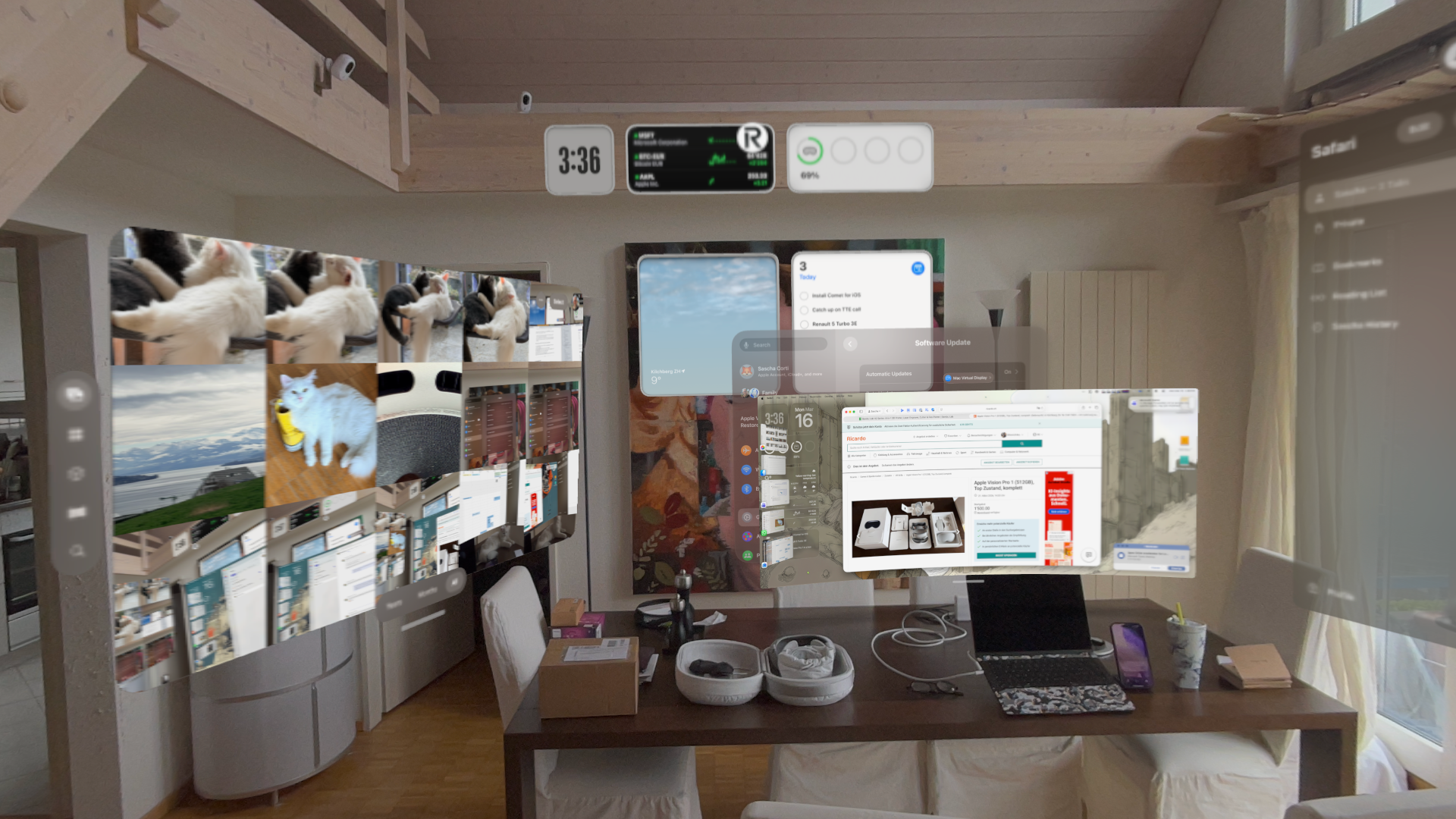
I recently upgraded from the first-generation Apple Vision Pro to the new Apple Vision Pro M5 because even if this device and MR/VR in general gets a lot of bad press, it has fundamentally changed how I think about “where work happens.”
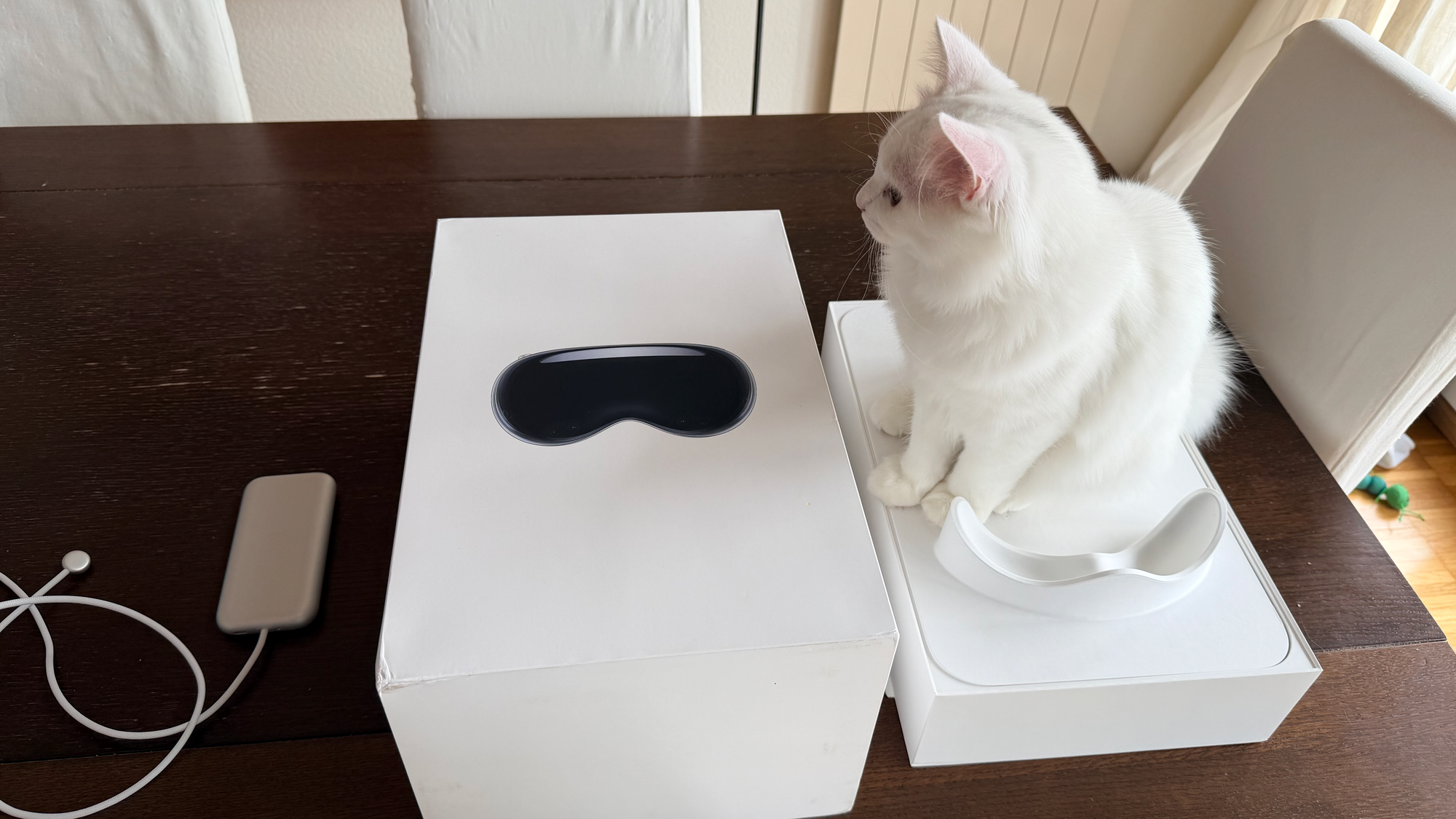
Most coverage of spatial computing still focuses on immersive apps, entertainment, or futuristic collaboration. What’s underrepresented is a far more pragmatic—and immediately valuable—use case:
Using Vision Pro as a high-brightness, location-independent external display for real work.
In my case, paired with a MacBook Pro, it unlocks something surprisingly powerful: productive work in environments where traditional displays simply fail.
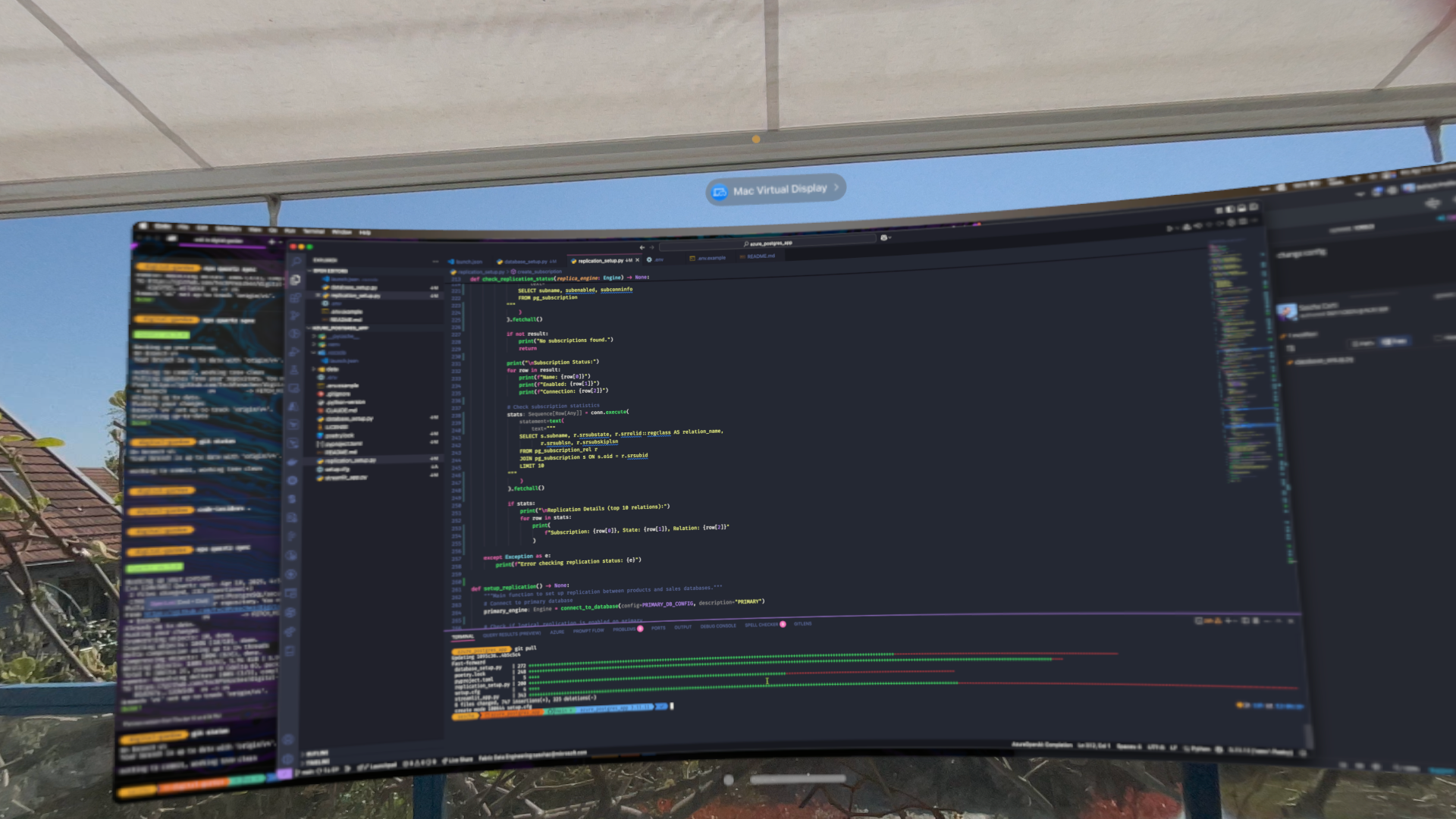
The Problem: Displays Don’t Like Sunlight
Anyone who has tried working outside knows the constraints:
- Even high-end monitors struggle with brightness
- Reflections kill contrast and readability
- Positioning becomes a constant compromise
- Laptop screens are usable—but very small for extended work
Balconies, terraces, or gardens are effectively off-limits for serious development work during daylight hours.
The Shift: A Display That Ignores Ambient Light
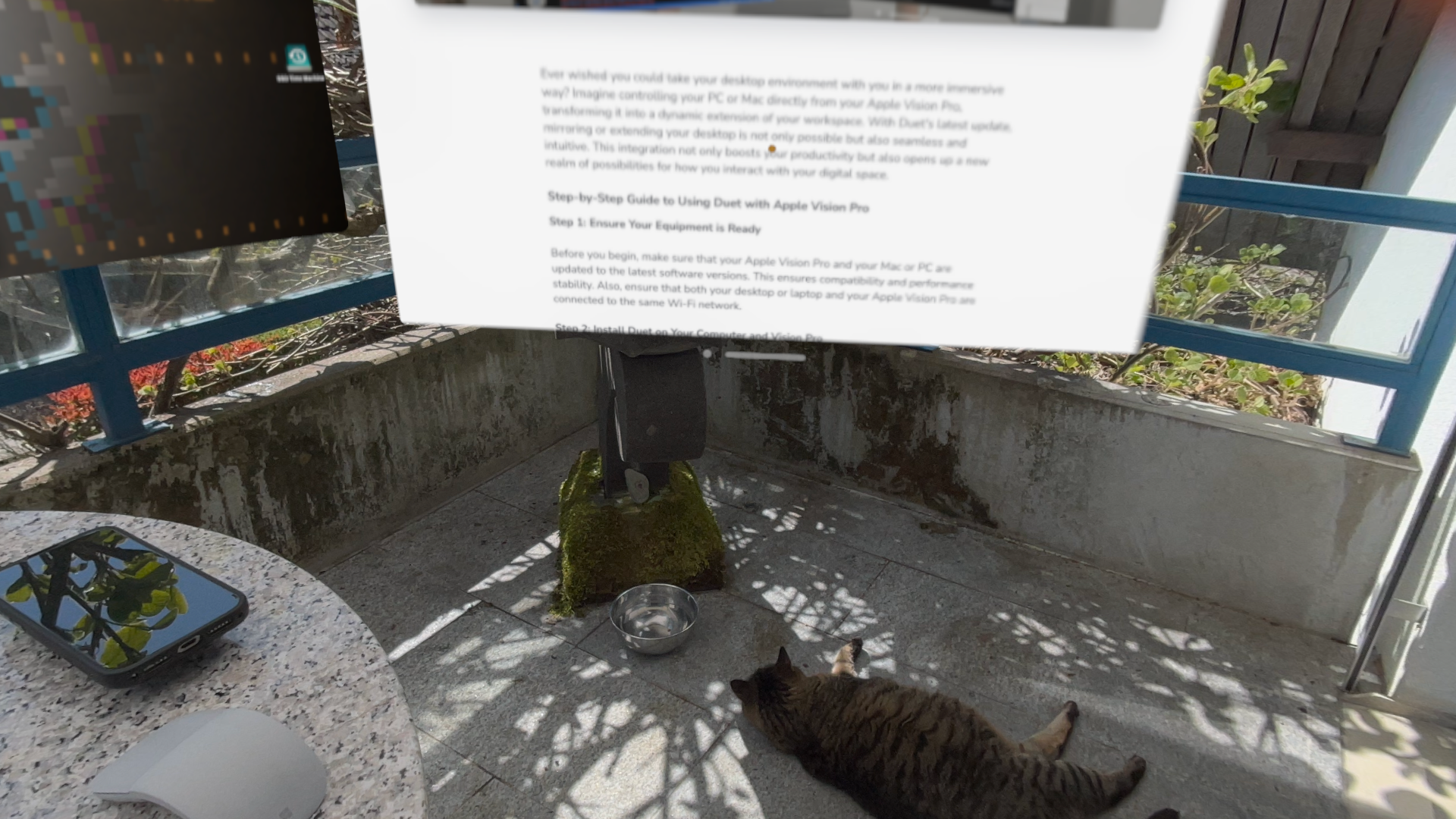
With the M5 Vision Pro, that constraint disappears entirely. Instead of fighting sunlight, you sidestep it.
Key characteristics of the setup:
- The MacBook acts purely as a compute device
- Vision Pro renders a virtual, high-resolution display
- Brightness and contrast are independent of ambient conditions because you see the surrounding environment through cameras and dimmed to the perfect brightness
- Screen size becomes arbitrary and scalable
The result is a workspace that behaves more like a private cinema-grade monitor than a physical display.
Balcony Work: The Underrated Killer Use Case
This is where the Vision Pro becomes genuinely transformative.
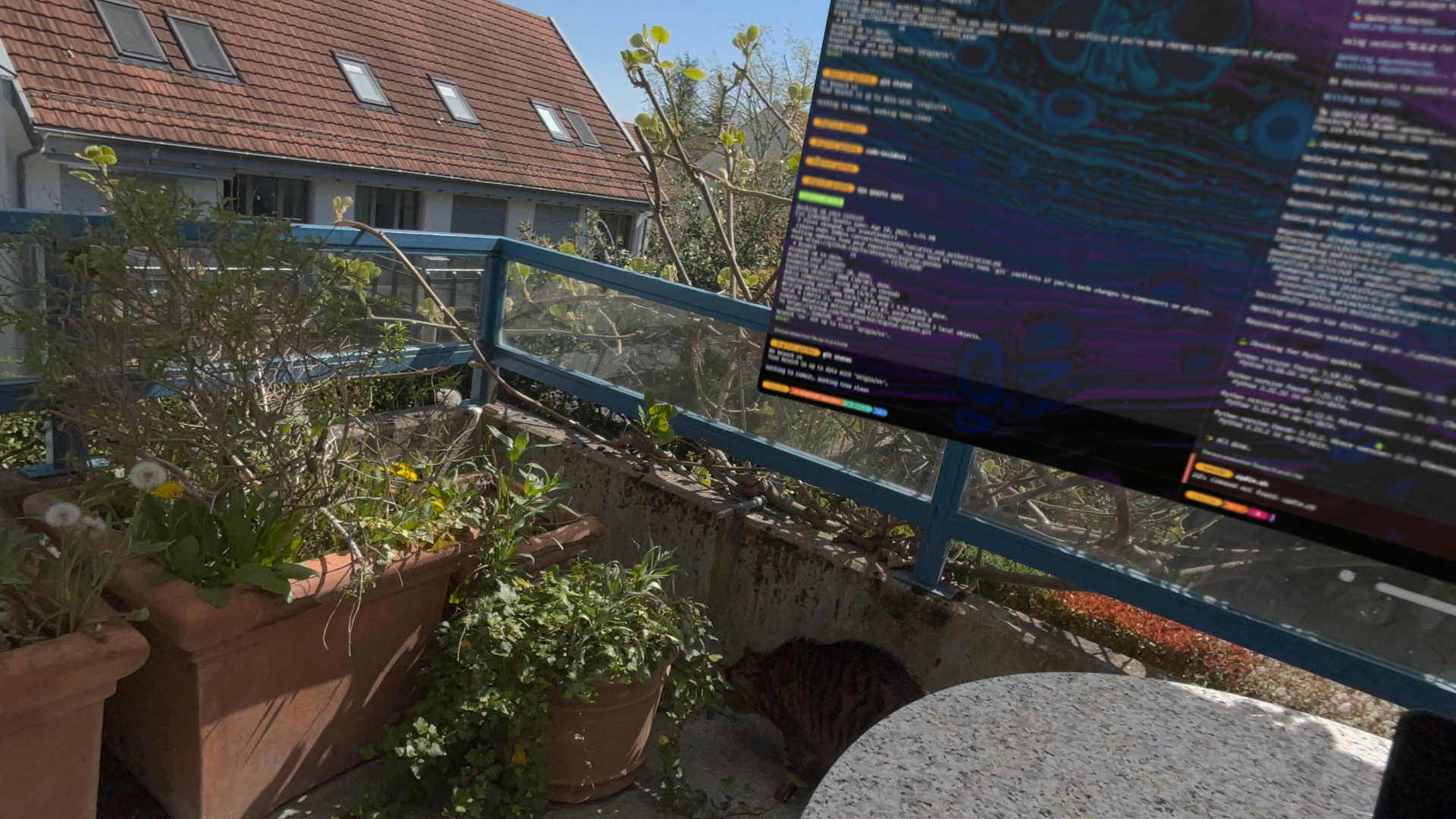
Why it works exceptionally well outdoors:
1. Infinite Brightness (Perceived)
- The virtual display remains perfectly visible regardless of sunlight
- No glare, no reflections, no washed-out colors
2. Stable Workspace Geometry
- You can “pin” your display in space
- No need to adjust angles to fight reflections
3. Ergonomic Flexibility
- Sit back comfortably instead of leaning into a laptop
- Position the display at an ideal height and distance
4. Cognitive Separation
- The physical environment (balcony, fresh air) remains visible but dimmed to a perfect level as it's seen through the Vision Pro's cameras
- The workspace is clean, controlled, and distraction-minimized
Observations
- Latency is low enough for coding, watching videos and even gaming.
- Text clarity is amazing
- Comfort is great with the new strap setup that the M5 Vision Pro has
- The experience benefits significantly from stable Wi-Fi
Media Consumption: The Ceiling Theater Effect
While productivity is the primary use case, media consumption is where Vision Pro becomes really cool.
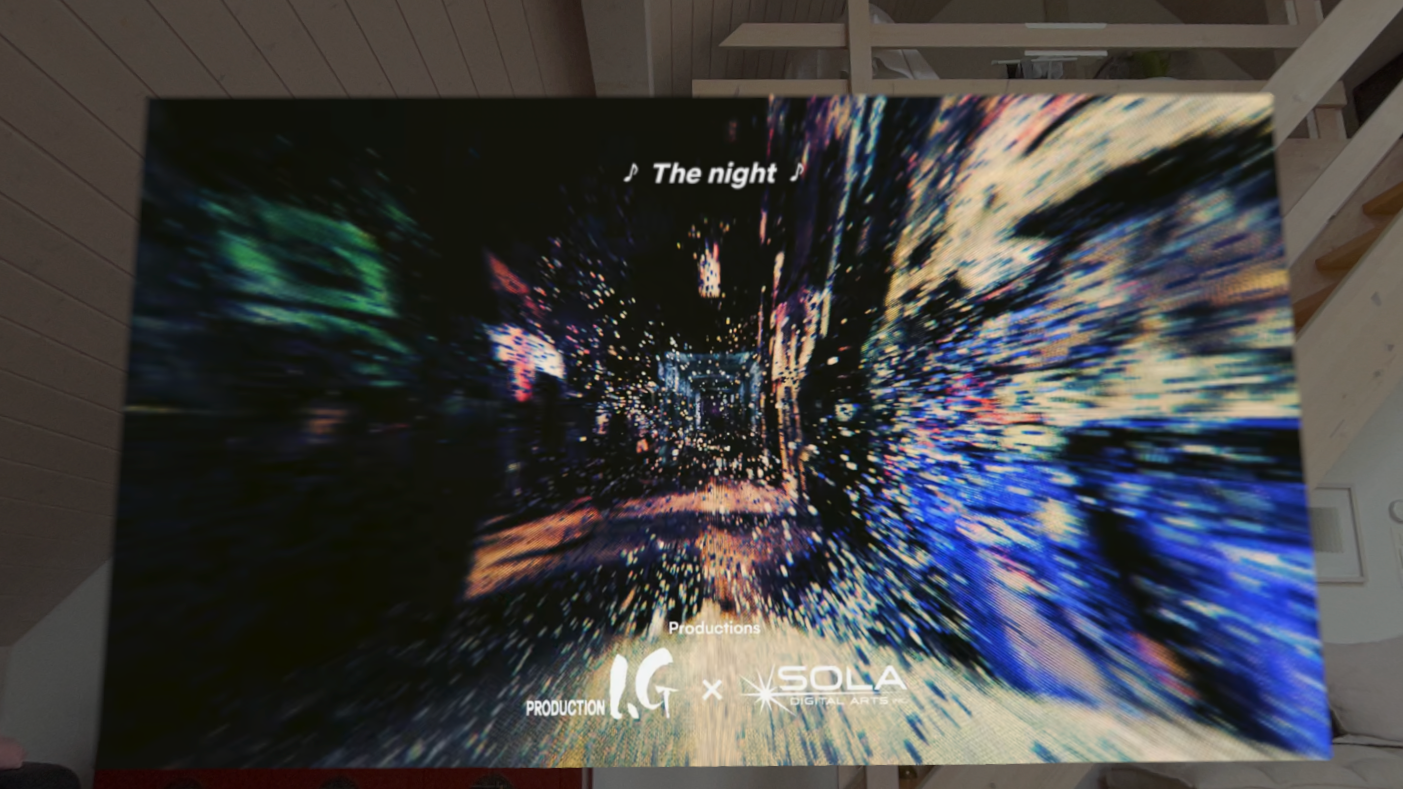
One of my favorite patterns:
- Sit or lie back comfortably
- Pin a massive screen to the ceiling
- Watch content without any physical constraints
Why this works so well:
- No neck strain from looking down at devices
- Screen size can exceed any physical TV
- Perfect viewing angle—always
- Fully immersive without needing a dedicated room setup
- Works even on an airplane
This turns even casual viewing into something resembling a personal IMAX experience.
Gaming: A Private Virtual Theater for Streaming and Desktop Games
Beyond productivity and media consumption, the Vision Pro also turns out to be an exceptional gaming display—especially when combined with cloud gaming.
Cloud Gaming via Safari: Nvidia GeForce Now
Running GeForce Now directly in Safari on Vision Pro works surprisingly well:
- Smooth streaming performance
- Large, immersive virtual screen
- Minimal setup required
However, there is one important constraint:
You need a paired game controller.
Vision Pro’s Safari environment does not provide a viable keyboard/mouse passthrough for games that depend on precise input. For controller-friendly titles, though, this setup is excellent and effectively gives you a portable cloud gaming theater.
Keyboard & Mouse Gaming: The Better Path via Mac Virtual Display
For more demanding games—especially those requiring keyboard and mouse—the better approach is:
- Run GeForce Now natively on the Mac
- Use the Vision Pro’s Mac Virtual Display
- Play through the projected screen inside Vision Pro
From a systems perspective, you’re effectively:
- Using the Mac as the input and execution layer
- Using Vision Pro as a high-end display surface
The Experience: Gaming Without Physical Constraints
What makes this setup stand out is not that it works—but how it feels:
- You can scale the screen to cinematic proportions
- You’re no longer constrained by desk size or monitor dimensions
- You can sit back, relax, and still maintain full control
This creates a hybrid experience:
- The immersion of a home theater
- The precision of a desktop gaming setup
Why This Matters
Gaming is rarely discussed in the context of Vision Pro beyond native or experimental apps. But in practice:
Vision Pro + Mac + GeForce Now forms a highly capable, flexible gaming stack.
It’s not about replacing a dedicated gaming rig—but about enabling high-quality gaming anywhere in your home, without being tied to a specific physical setup or requiring a high-end gaming rig.
Trade-offs and Realities
This setup is powerful—but not without limitations.
Considerations:
1. Session Duration
- I can work in this setup comfortable for about 4 hours, forgetting I’m wearing a headset but it's tiring on the eyes after that
- Best suited for focused work blocks rather than all-day use
2. Input Model
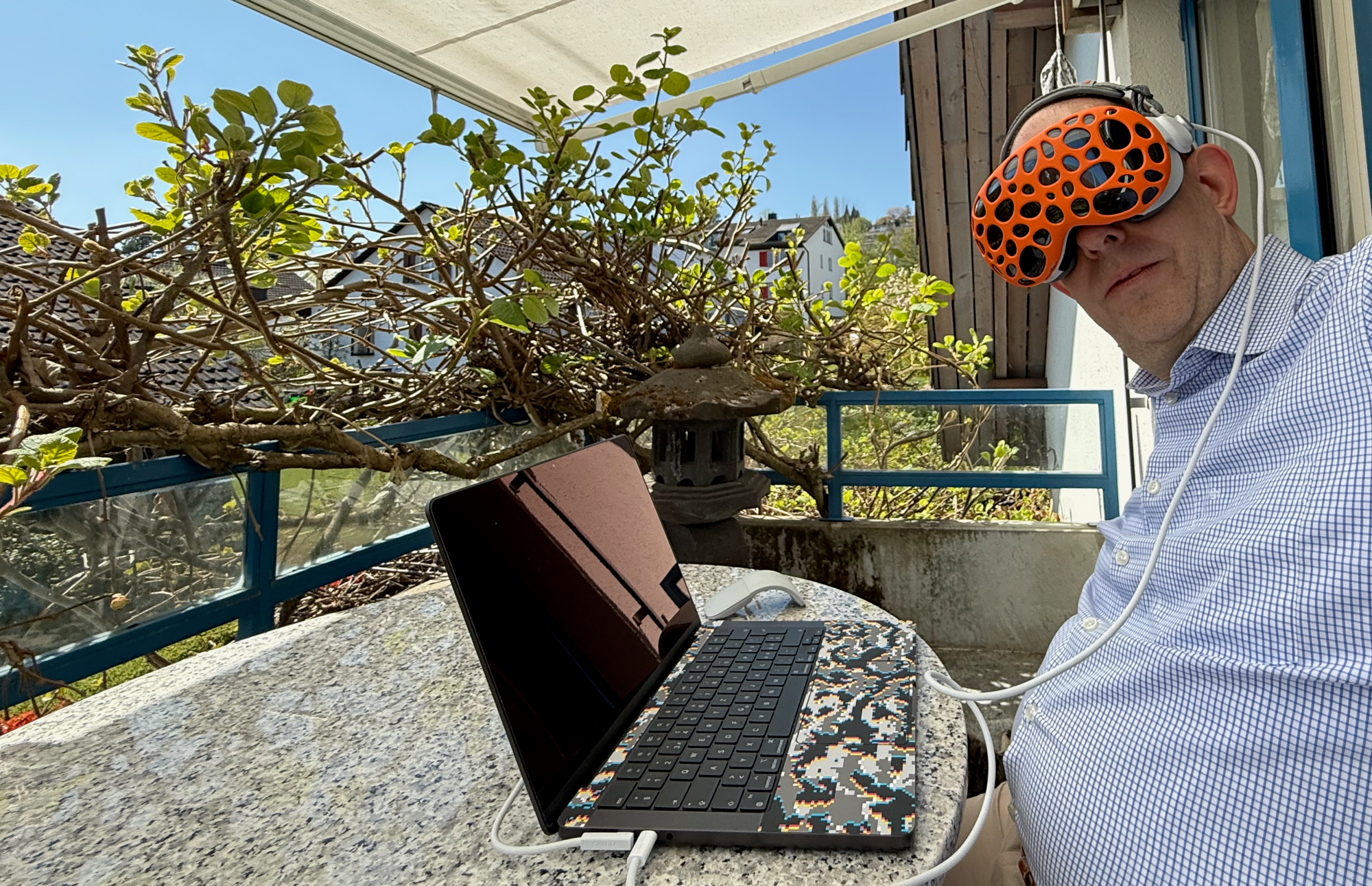
- You’ll still rely on traditional keyboard/mouse but they are clearly visible through the Vision Pro’s cameras
3. Social Acceptability
- Wearing the headset in public makes everyone look like a dork, is awkward and attracts a lot of attention
Conclusion
For me, the breakthrough of MR wasn’t immersive apps or futuristic workflows. It was this:
- Being able to work productively on a balcony in bright sunlight
- Having a portable, infinite-sized display
- And switching seamlessly into a personal cinema experience or game when the workday ends
This is where spatial computing stops being a niche and novelty to m and starts becoming infrastructure.