
Monitoring Multiple Docker Hosts with Dozzle — the Easy Way

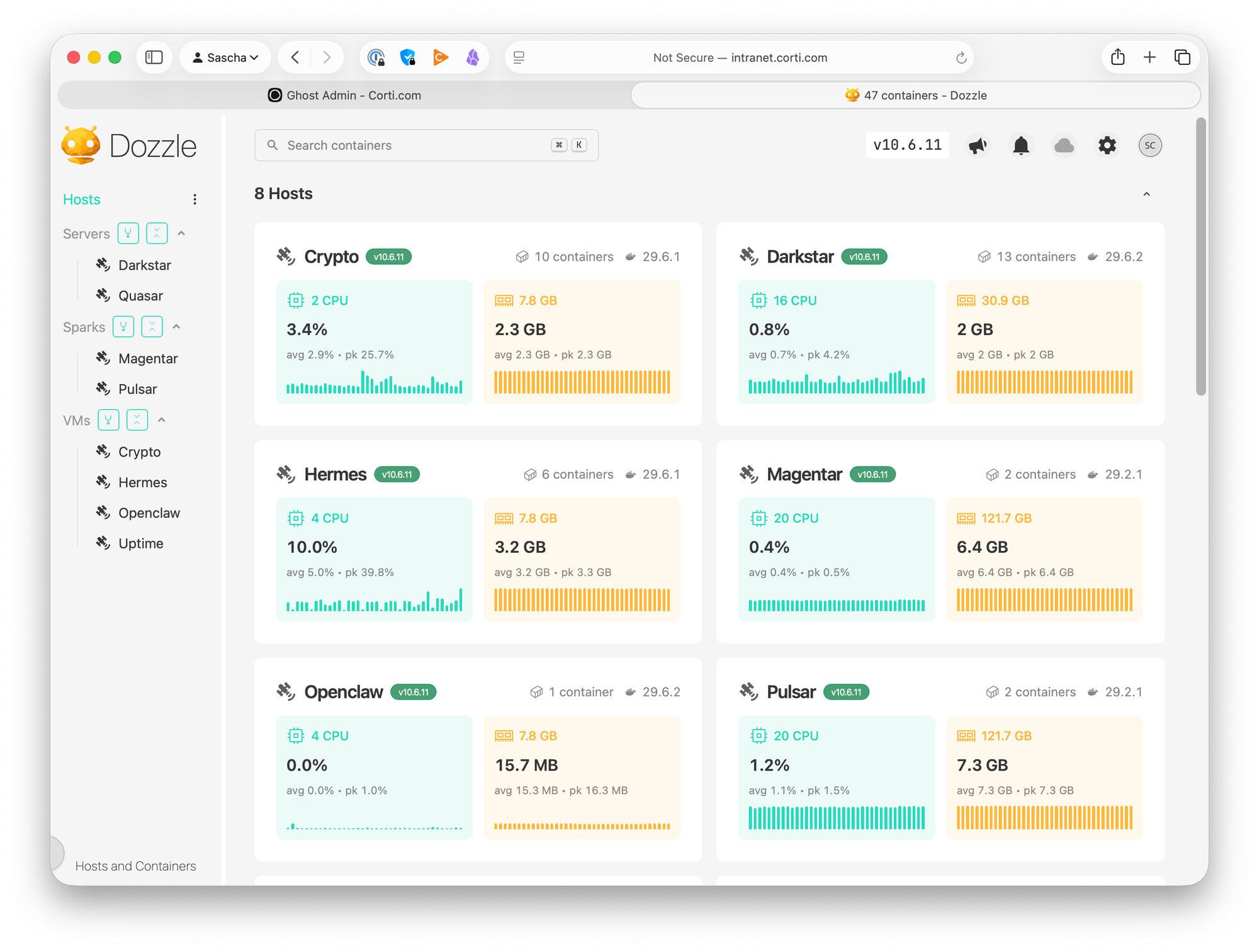
If you run Docker on more than one machine, you know the drill: something misbehaves, and you start SSH-hopping between hosts, running docker ps and docker logs -f until you find the culprit. It works, but it doesn't scale — and it's miserable at 2 a.m.
Dozzle fixes this. It's a lightweight, real-time log viewer for Docker that runs as a single container, needs no database, and — the killer feature — can aggregate logs from multiple hosts through its agent mode. One browser tab, all your machines.
In my homelab, that's four hosts: two servers (quasar and darkstar) and two DGX Spark nodes (pulsar and magentar). Then, there's another four VMs I'm running in the cloud.
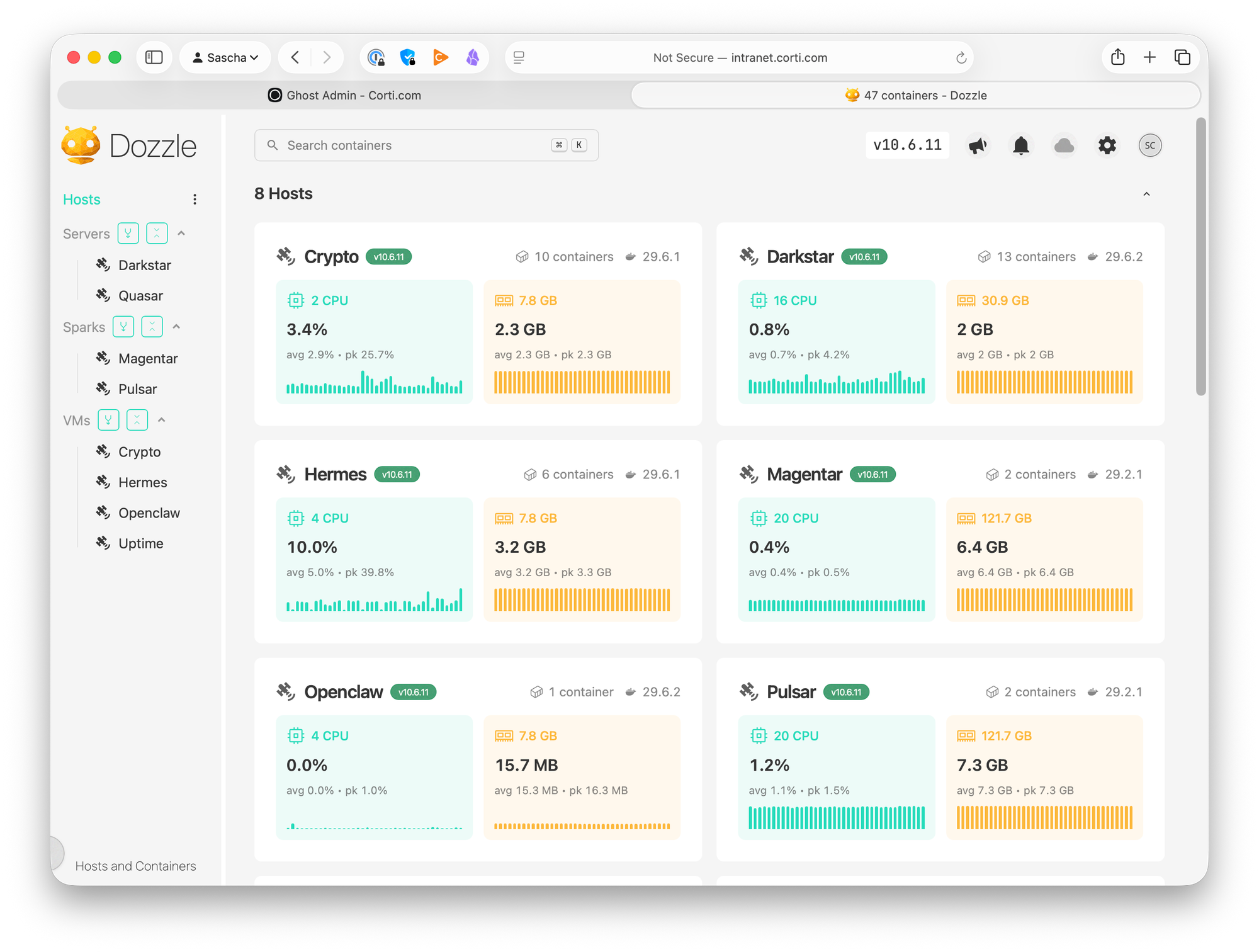
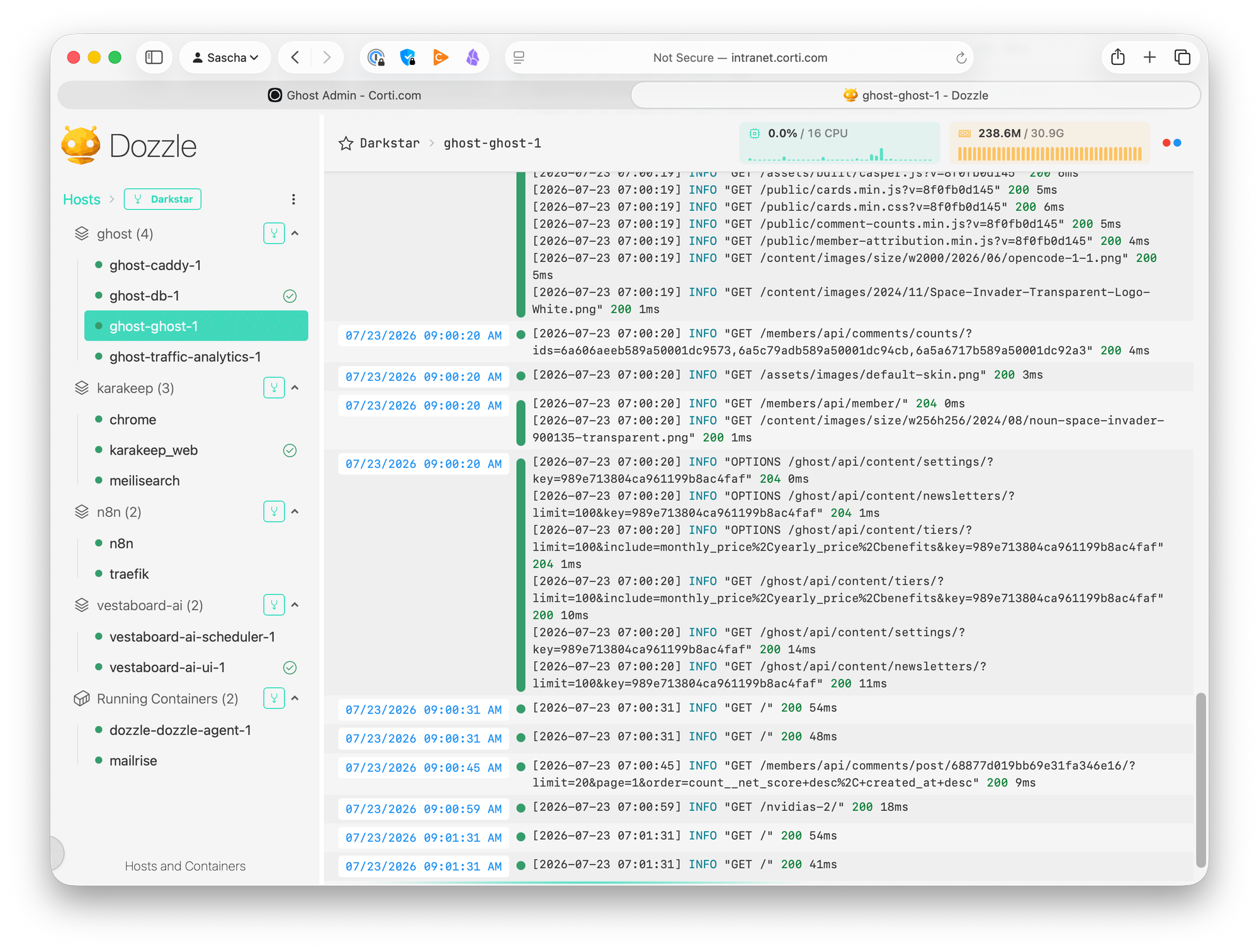
I can access a server with a click, see all its containers, and watch their logs in real time.
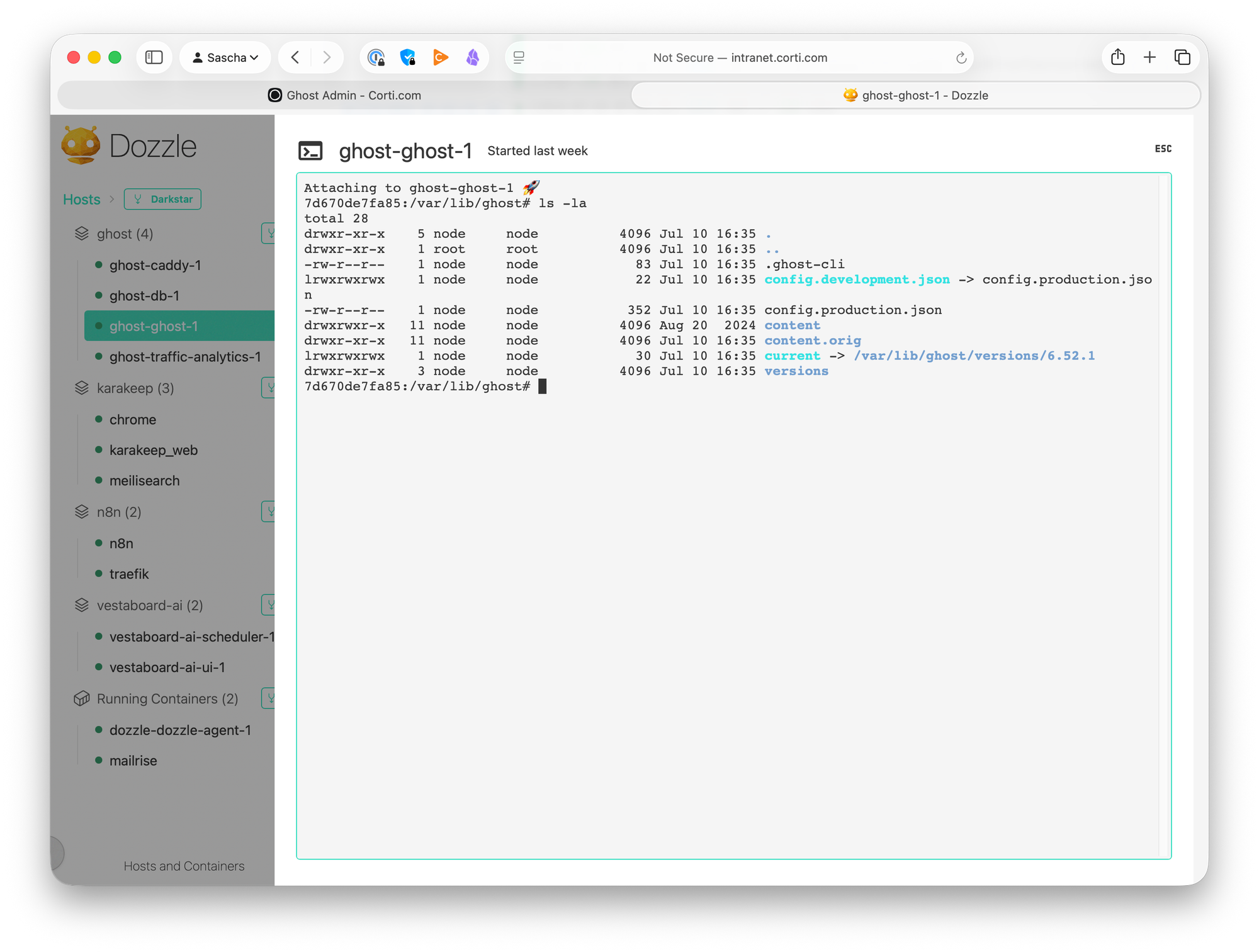
If needed, I can open a shell in the container.
There is a menu that lets me filter logs, restart or update containers etc.
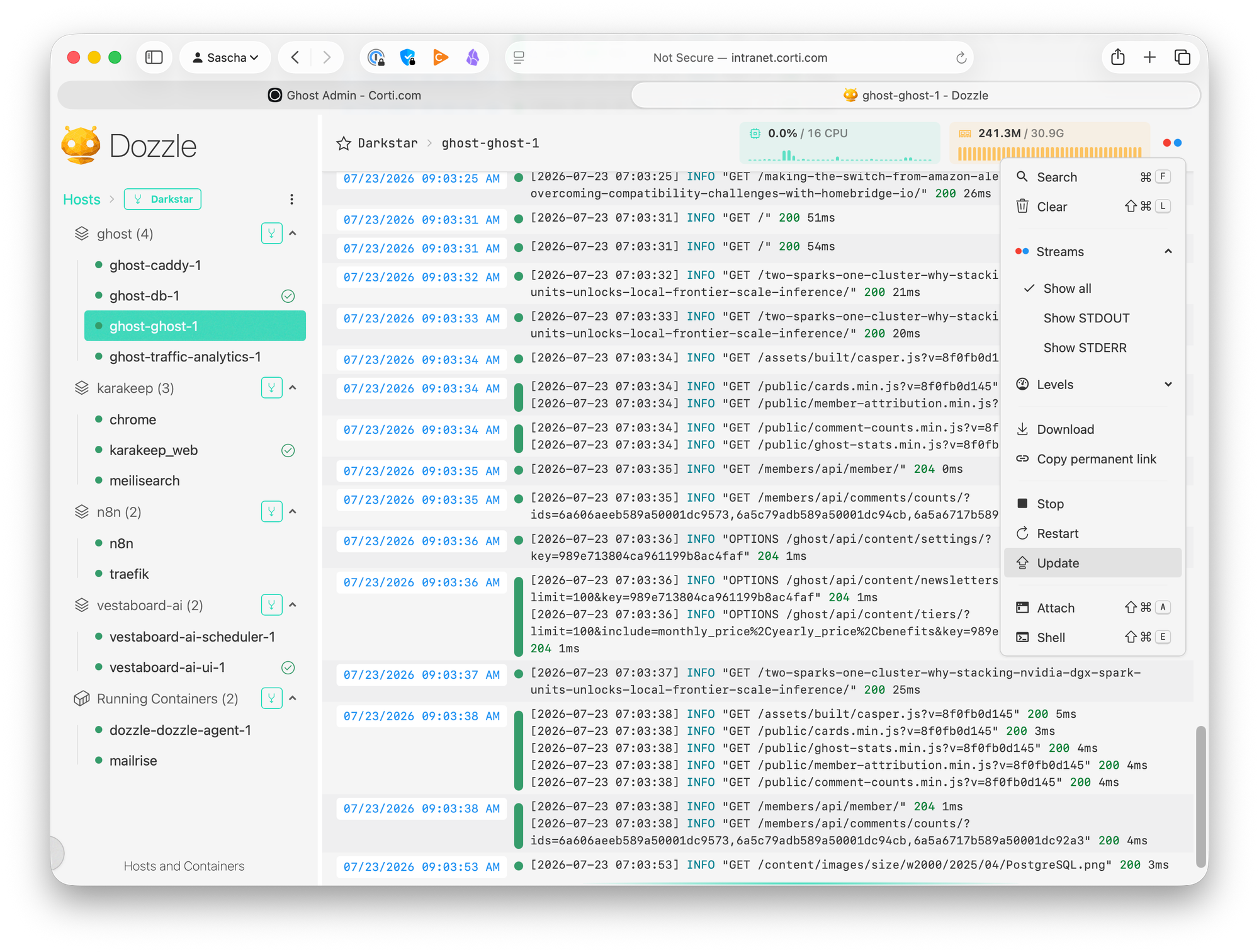
Here's the full setup, including two gotchas that cost me some debugging time.
Architecture
Dozzle has two roles, both served by the same image:
- Agents run on every host you want to monitor. They talk to the local Docker socket and expose it over a TLS-secured connection on port 7007.
- One main instance runs the web UI and connects to all agents.
Agents are the recommended approach over the older remote-host/socket-proxy setups: you never expose the raw Docker socket over the network, and all agent communication is TLS-encrypted out of the box.
Step 1: Deploy an agent on every host
On each machine you want to monitor, create a compose.yml:
services:
  dozzle-agent:
    image: amir20/dozzle:latest
    restart: unless-stopped
    command: agent
    volumes:
      - /var/run/docker.sock:/var/run/docker.sock:ro
    ports:
      - 7007:7007
Then:
docker compose up -d
Two details worth noting:
restart: unless-stoppedmakes the agent survive host reboots (as long as the Docker daemon itself is enabled at boot — check withsystemctl is-enabled docker). Unlikerestart: always, it respects a manualdocker compose stopacross reboots, which is what you usually want for maintenance.- The socket is mounted read-only (
:ro). The agent only needs to read logs and container metadata.
Step 2: Deploy the main instance
On your "hub" host — quasar in my case — the compose file looks like this:
services:
  dozzle:
    image: amir20/dozzle:latest
    restart: unless-stopped
    volumes:
      - /var/run/docker.sock:/var/run/docker.sock
      - ./data:/data
    ports:
      - 8080:8080
    environment:
      # Enable container actions (stop, start, restart)
      - DOZZLE_ENABLE_ACTIONS=true
      # Allow access to container shells
      - DOZZLE_ENABLE_SHELL=true
      # File-based authentication (users.yml in ./data)
      - DOZZLE_AUTH_PROVIDER=simple
      # Label for this local host in the UI
      - DOZZLE_HOSTNAME=quasar
      # Remote agents: endpoint|name|group
      - DOZZLE_REMOTE_AGENT=192.168.0.1:7007|Darkstar|Servers,192.168.0.2:7007|Pulsar|Sparks,192.168.0.3:7007|Magentar|Sparks,external1.server.com:7007|External1|VMs,external2.server.com:7007|External2|VMs
The interesting bits:
DOZZLE_REMOTE_AGENT takes a comma-separated list of agents. Each entry uses the format endpoint|name|group, where name and group are optional. The name overrides what's shown in the UI; the group turns the sidebar into collapsible sections — mine are Servers , Sparks and VMs, each with a "merge all" button that streams the combined logs of every host in the group. If you manage more than a couple of machines, groups alone are worth the setup.
DOZZLE_ENABLE_ACTIONS and DOZZLE_ENABLE_SHELL let you start/stop/restart containers and open a shell in them straight from the browser. Powerful — which is exactly why you want authentication in front of it.
Bind mount instead of a named volume for /data. Dozzle's simple auth provider reads /data/users.yml. With a named volume you'd have to reach into /var/lib/docker/volumes/... or docker cp the file into the container. A bind mount (./data:/data) keeps users.yml next to your compose file, versionable and editable.
Step 3: Create users.yml
Don't hand-craft the bcrypt hash — Dozzle's image ships a generator:
mkdir -p data
docker run -it --rm amir20/dozzle generate admin \
  --password 'YOUR_PASSWORD' \
  --email admin@example.com \
  --name "Admin" > data/users.yml
The result looks like:
users:
  admin:
    email: admin@example.com
    name: Admin
    password: $2a$11$...   # bcrypt hash
Start it up:
docker compose up -d
Browse to http://your.dozzle.com:8080, log in, and you'll see all hosts in the sidebar, grouped and labeled.
Gotcha 1: Duplicate host IDs on cloned machines
After connecting all agents, one of my Spark nodes refused to show up, and the main instance logged:
{"level":"warn","name":"Magentar","message":"An agent with an existing ID was
found. Removing the duplicate host. ..."}
Dozzle identifies each host by Docker's system ID (the node ID in Swarm mode). That ID lives in /var/lib/docker/engine-idand is generated when the Docker daemon first starts. If machines were provisioned from the same image or restored from the same backup — very common with identically set up nodes like my DGX Sparks — they end up with the same engine ID, and Dozzle silently drops the "duplicate."
Verify on both hosts:
docker system info --format '{{ .ID }}'
If two hosts print the same ID, fix it on one of them:
sudo rm /var/lib/docker/engine-id
sudo systemctl restart docker        # regenerates a fresh UUID
docker compose restart dozzle-agent  # agent caches the ID at startup
Heads-up: restarting the Docker daemon restarts every container on that host, so pick a convenient moment. After that, both nodes appeared as distinct hosts.
Gotcha 2: Putting the local host into a group
The endpoint|name|group syntax only applies to remote agents. The localhost connection is special: DOZZLE_HOSTNAMEcan rename it, but there's no documented way to assign it to a group — so it sits ungrouped in the sidebar while everything else is neatly sorted.
The clean workaround: treat the hub like any other host. Run an agent next to the main instance in the same compose project, drop the socket mount from the main service, and connect to the local agent through the group syntax:
services:
  dozzle:
    image: amir20/dozzle:latest
    restart: unless-stopped
    volumes:
      - ./data:/data          # docker.sock no longer needed here
    ports:
      - 8080:8080
    environment:
      - DOZZLE_ENABLE_ACTIONS=true
      - DOZZLE_ENABLE_SHELL=true
      - DOZZLE_AUTH_PROVIDER=simple
      - DOZZLE_REMOTE_AGENT=localhost:7007|Quasar|Servers,192.168.0.1:7007|Darkstar|Servers,192.168.0.2:7007|Pulsar|Sparks,192.168.0.3:7007|Magentar|Sparks,external1.server.com:7007|External1|VMs,external2.server.com:7007|External2|VMs

  dozzle-agent:
    image: amir20/dozzle:latest
    restart: unless-stopped
    command: agent
    volumes:
      - /var/run/docker.sock:/var/run/docker.sock:ro
Three things make this work:
- Both services share the compose project's default network, so the main instance reaches the agent at
dozzle-agent:7007— noports:mapping needed on the agent. - Without the socket mounted on the main instance, the UI shows only agent-connected hosts — no duplicate "localhost" entry.
- The
|Quasar|Serverslabel handles naming, makingDOZZLE_HOSTNAMEredundant.
Now every host — including the hub itself — lives in a group.
Wrap-up
The full setup is two small compose files and one generated users.yml:
- an agent per host, socket mounted read-only,
restart: unless-stopped - one main instance with simple auth, actions and shell enabled, and grouped agents via
endpoint|name|group
Total effort: maybe an hour, most of which I spent on the engine-id issue you now get to skip. In return you get real-time logs, container actions, and shell access for your whole fleet in a single browser tab — with zero databases, zero log shippers, and zero SSH-hopping.