
Why Qwen3.6-35B Runs on a NVIDIA DGX Spark and gpt-oss-120B Fought Me Every Step

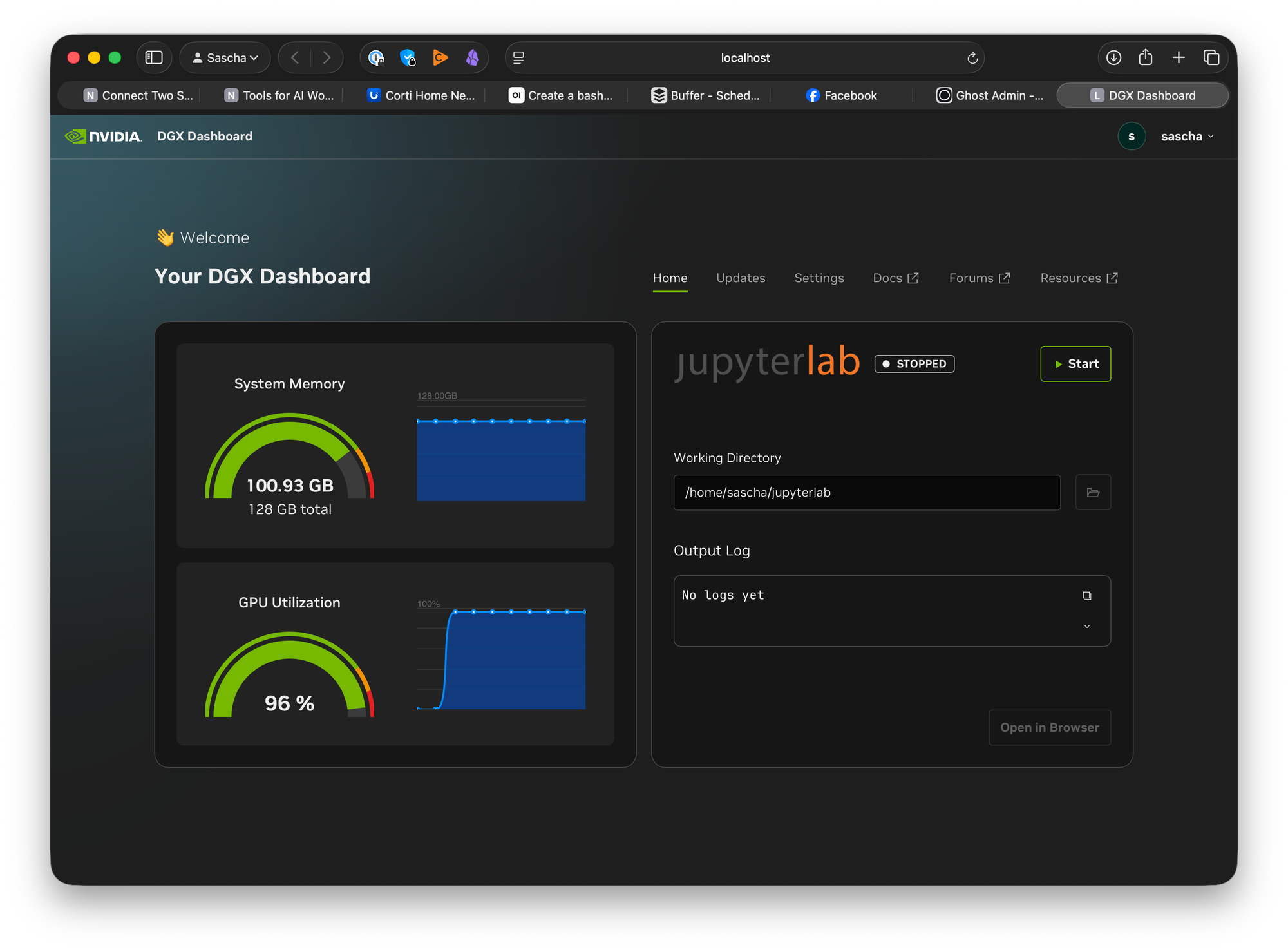
A field report from getting a local LLM inference endpoint working on an NVIDIA DGX Spark (GB10 / SM121, 128 GB unified memory) — including every wall I hit with gpt-oss-120B, why a smaller FP8 model sidestepped all of them, and how to expose the result safely through an nginx reverse proxy on a multihomed server.
TL;DR: On a GB10 Spark, the quantization format matters more than raw capability. gpt-oss-120B ships in MXFP4, which has no native hardware support on SM121 and runs through fragile software kernel paths; combined with the Spark's unified memory, that produced a cascade of freezes and crashes. Qwen3.6-35B-A3B in FP8 — smaller, mixture-of-experts, and on a well-supported kernel path — loaded and served cleanly on the first honest attempt.
The hardware, and the two traps it sets
The DGX Spark is a GB10 Grace Blackwell machine with 128 GB of unified memory shared between CPU and GPU. Two architectural facts shaped everything that followed:
- Unified memory is shared. vLLM's
--gpu-memory-utilizationis a fraction of the entire 128 GB pool, not a separate VRAM budget. The default is0.9. On a discrete GPU that only touches VRAM; here it starves the host OS. - SM121 has no native FP4. Blackwell-class GB10 runs FP4 weights through software decompression kernels (Marlin/CUTLASS paths). For MXFP4 models like gpt-oss, those paths are immature and version-sensitive.
Neither is obvious until you trip over it. I tripped over both.
The gpt-oss-120B saga
Wall 1 — the host froze at the default memory setting
The first bare vllm serve openai/gpt-oss-120b reserved ~90% of the unified pool (~115 GB), leaving the kernel, Docker, and sshd to fight over the remaining ~13 GB. The box stopped responding to SSH while still answering ping — classic memory starvation, not a crash. The fix is to leave the host real headroom: --gpu-memory-utilization 0.70 (~26 GB free for the OS). On unified memory you never run the 0.9 default.
Wall 2 — "it loaded" is not "it serves"
With memory tamed, the model loaded and idled happily at ~74 GB used. Then the first inference request wedged the entire host. Loading and serving are different phases with different failure modes, and the first decode is where the GB10-specific kernel problems actually bite.
Wall 3 — the MXFP4-on-SM121 problem (the real one)
This is the crux. gpt-oss-120B's weights are MXFP4, and on SM121 vLLM's default backend selection lands on a kernel path that hangs or crashes on first decode. The community has converged on workarounds, but they're entangled with a specific patched build of vLLM + FlashInfer. On the stock NVIDIA NGC container, those workarounds don't all apply, which produced a string of secondary failures:
unrecognized arguments: --mxfp4-layers— that flag exists only in the patched build; stock vLLM 0.21.0 rejects it.FLASHINFER ... attention sinks not supported— gpt-oss uses attention sinks, and the stock container's FlashInfer can't do them, so forcing that backend aborted load. (The patched build compiles its own FlashInfer that can.)Unknown vLLM environment variable: VLLM_MXFP4_BACKEND— the marlin-backend env var simply isn't read by this build.
Each "fix" from a recipe written against the patched build was a flag the stock container didn't understand.
Wall 4 — the memory spike the budget doesn't count
Once the flags were stripped back to what stock vLLM accepts, the model loaded and idled at ~74 GB with ~46 GB free — stable. Then the first request did this:
18:55:56   used 76.3G   avail 45.4G
18:55:58   used 78.0G   avail 43.7G
18:56:00   used 89.8G   avail 31.9G
18:56:02   used 110.3G  avail 11.4G
18:56:04   used 121.3G  avail  0.4G   <== host starved
A ~47 GB spike on top of the resident model, in six seconds. The cause: CUDA graph capture plus torch.compile firing on the first forward pass — and that memory is not counted against --gpu-memory-utilization. So 0.70 left 46 GB headroom, the spike wanted more, and the host died. The lever that kills it is --enforce-eager, which disables graph capture and compilation (at a real throughput cost). That's the trade I'd make to get 120B stable on the stock container — but by this point the smarter move was a different model.
A debugging aside: watch available, not free, and watch from elsewhere
Two habits saved time. First, the memory metric that matters on Linux is available, not free — during heavy file reads free drops toward zero as the page cache fills, while available (which counts reclaimable cache) stays healthy. Misreading free as "almost out of memory" sends you chasing ghosts. Second, run your monitoring and test client from a different machine. I was curling the endpoint over SSH on the Spark itself, so when it froze, my client and my shell died with it. A laptop-side memory watcher that streams free/avail and reconnects on drop turns "it froze" into a timestamped, observable event.
Why Qwen3.6-35B-A3B-FP8 just worked
Switching to Qwen3.6-35B-A3B-FP8 removed every one of those failure classes at once, for three structural reasons:
- FP8, not MXFP4. FP8 runs on a well-supported kernel path on SM121; vLLM auto-selects a working MoE backend and the model just loads. None of the Marlin/CUTLASS/FlashInfer-sinks drama applies.
- It fits with room to spare. At ~35 GB of weights against 121 GB, even the CUDA-graph capture spike fits inside the headroom — so there's no first-inference freeze, and you don't even need
--enforce-eager. - It's a fast MoE. 35B total but only ~3B active parameters per token, so on the bandwidth-bound Spark it decodes quickly for its quality. Benchmarks on Spark report roughly 28–30 tok/s single-stream, scaling to ~150+ tok/s aggregate under concurrency.
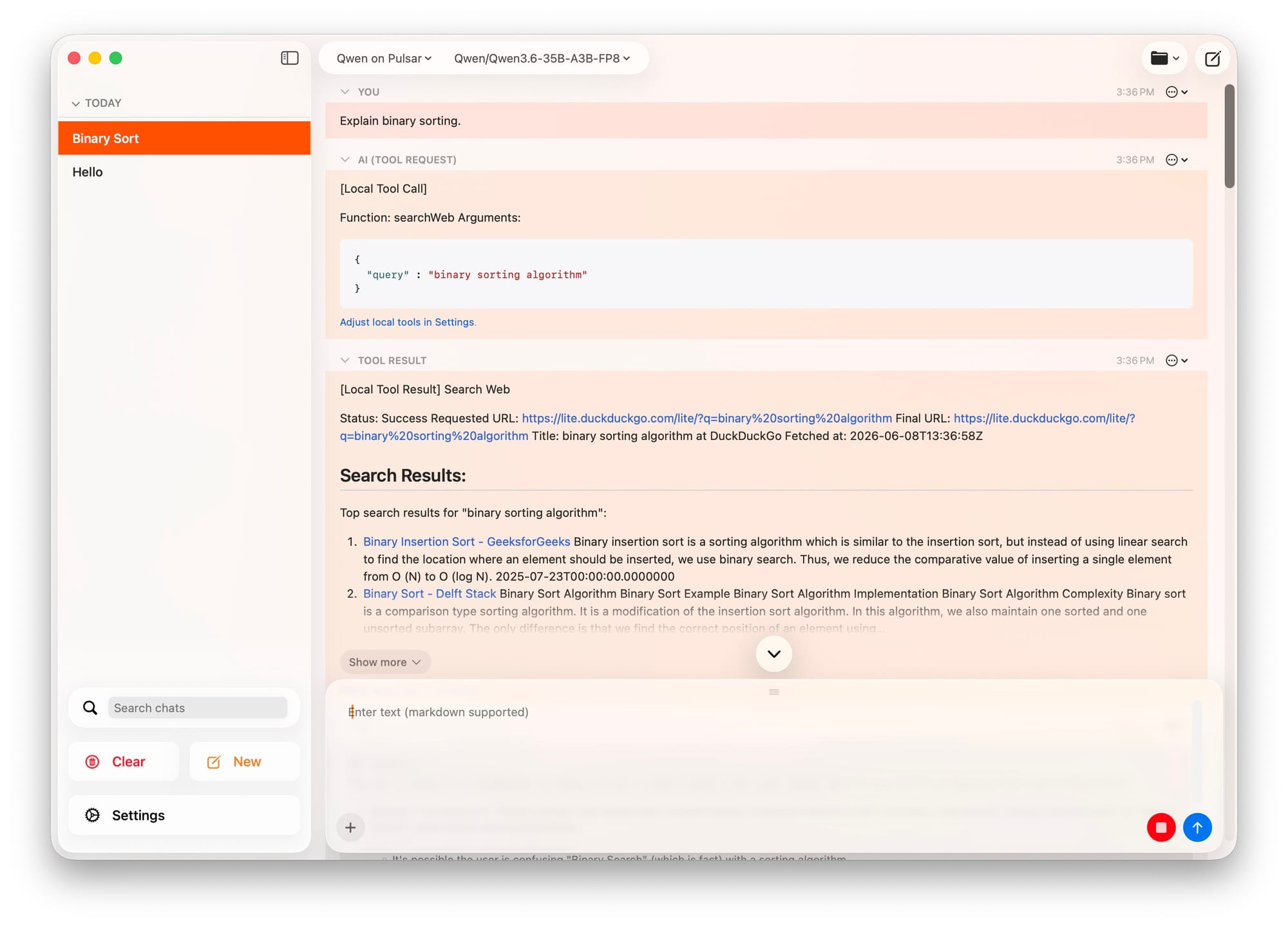
The lesson generalizes: on GB10, prefer FP8 (or a quantization with a mature SM121 kernel) over MXFP4, and prefer a model that fits comfortably over one that maxes the unified pool. A 35B FP8 MoE is a far better daily driver here than a 120B MXFP4 model that needs a patched stack and an eager-mode throughput penalty just to stay upright.
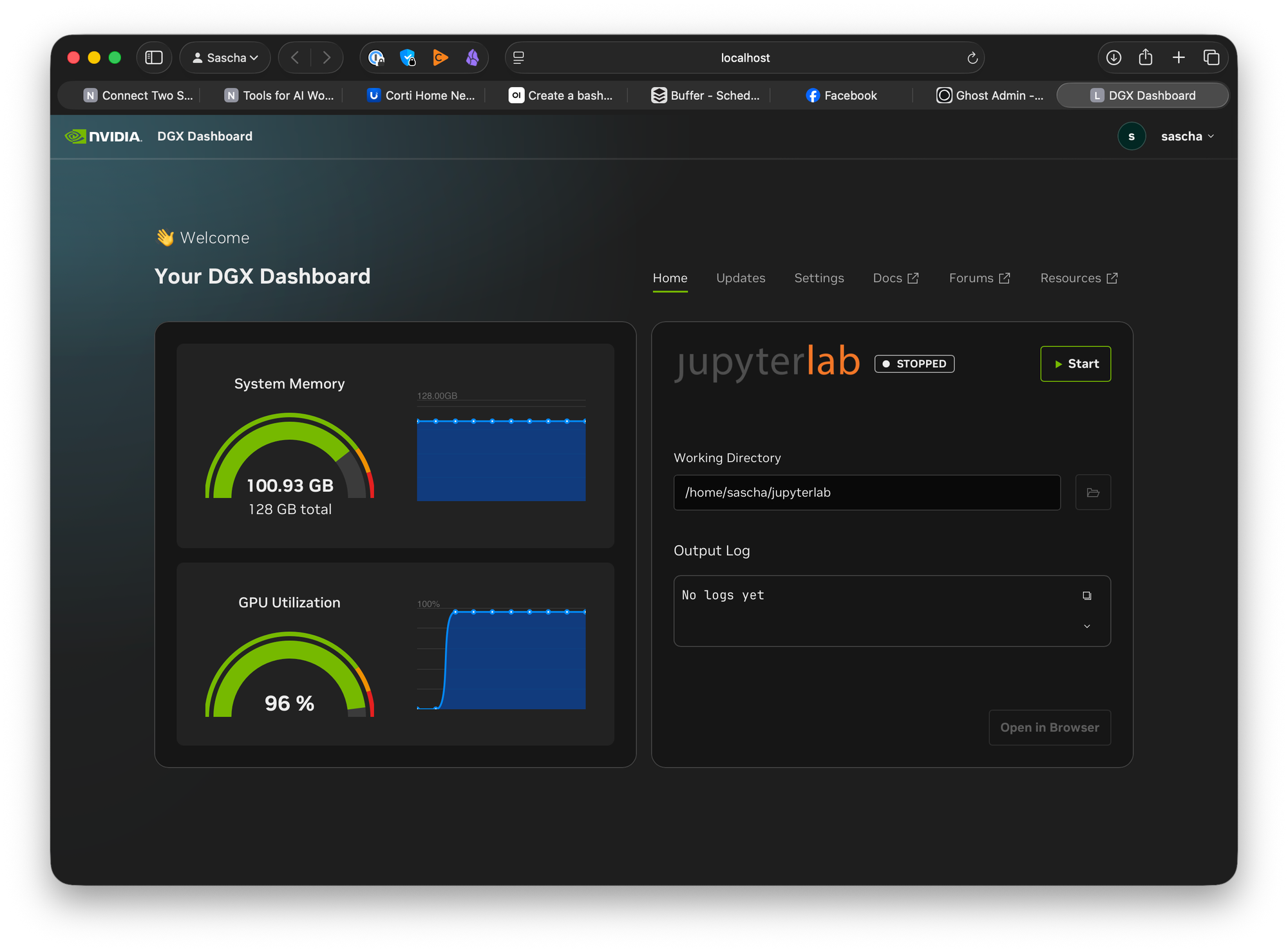
The working setup
.env — secrets, kept out of the compose file
Two secrets: the Hugging Face token (a read token is enough — you're only downloading) and the vLLM API key (the bearer token clients must present). Keep them in a .env beside the compose file; Docker Compose auto-loads it for${VAR} substitution.
cd ~/docker/vllm/qwen36
cat > .env <<'EOF'
HF_TOKEN=hf_your_read_token
VLLM_API_KEY=sk-replace-with-a-strong-key
EOF
chmod 600 .env
echo '.env' >> .gitignore        # never commit it
Generate a strong API key with echo "sk-$(openssl rand -hex 32)".
Fetch the model up front, then share it into the container
Don't let the first vllm serve do a multi-gigabyte download as part of startup — stage it once, then mount the cache into the container ("download once, mount everywhere"). On a managed Ubuntu/DGX OS box, install the CLI in isolation (system Python is externally managed):
sudo apt install -y pipx && pipx ensurepath
pipx install "huggingface_hub[cli]"
pipx inject huggingface_hub hf_transfer       # faster large downloads
export HF_HUB_ENABLE_HF_TRANSFER=1

hf auth login                                  # paste the read token
hf download Qwen/Qwen3.6-35B-A3B-FP8           # lands in ~/.cache/huggingface
Run large downloads inside tmux so they survive a dropped SSH session (downloads are resumable — re-running hf download continues where it left off).
The sharing mechanism is a single volume mount: bind the host cache to the container's cache path. vLLM then finds the weights locally and starts fast, with no network fetch at serve time:
    volumes:
      - ~/.cache/huggingface:/root/.cache/huggingface
compose.yml
services:
  vllm:
    image: nvcr.io/nvidia/vllm:26.05.post1-py3
    container_name: vllm-qwen36
    gpus: all
    network_mode: host
    ipc: host
    shm_size: "16gb"
    environment:
      - HF_TOKEN=${HF_TOKEN}
      - VLLM_API_KEY=${VLLM_API_KEY}        # bearer token clients must send
    volumes:
      - ~/.cache/huggingface:/root/.cache/huggingface
    command: >
      vllm serve Qwen/Qwen3.6-35B-A3B-FP8
      --host 0.0.0.0
      --port 8000
      --tensor-parallel-size 1
      --gpu-memory-utilization 0.70
      --max-model-len 32768
      --kv-cache-dtype fp8
      --max-num-batched-tokens 8192
      --enable-prefix-caching
      --trust-remote-code
      --enable-auto-tool-choice
      --tool-call-parser qwen3_coder
      --reasoning-parser qwen3
    restart: "no"        # flip to unless-stopped once you trust it
Notes that matter:
- No
--quantizationflag — FP8 is auto-detected from the repo. (Passing MXFP4-specific flags here is what broke gpt-oss on stock vLLM.) - No
--enforce-eager— the model is small enough that CUDA graphs fit, so you keep full speed. Only add it back if memory climbs on first inference. VLLM_API_KEYas an env var, not the--api-keyflag, so the secret doesn't show up inps.- A harmless log warning about "no optimized MoE config for GB10" is expected; it runs fine on auto-tuned defaults.
Bring it up and smoke-test it (from another machine):
HF_TOKEN=... VLLM_API_KEY=... docker compose up -d
docker compose logs -f                # wait for the Uvicorn "listening" line

curl http://spark:8000/v1/chat/completions \
  -H "Authorization: Bearer $VLLM_API_KEY" \
  -H "Content-Type: application/json" \
  -d '{"model":"Qwen/Qwen3.6-35B-A3B-FP8","messages":[{"role":"user","content":"12*17"}]}'
Exposing it: nginx reverse proxy on a multihomed server
The clean topology: a multihomed box (one foot on the internet, one on the intranet) runs nginx, terminates TLS, and forwards inward to the Spark over the LAN. vLLM stays intranet-only and never faces the public internet directly.
Start HTTP-only, let certbot add TLS
Don't hand-write ssl_certificate paths before a cert exists — nginx -t will fail on the missing files. Deploy an HTTP-only server block first, then let certbot edit it in place.
# /etc/nginx/sites-available/inference.yourdomain.com
upstream vllm_backend {
    server 192.168.0.50:8000;     # spark's INTRANET IP (see the .local note)
    keepalive 32;
}

server {
    listen 80;
    listen [::]:80;
    server_name inference.yourdomain.com;

    client_max_body_size 64m;     # long prompts exceed the 1m default

    location /v1/ {
        proxy_pass http://vllm_backend;
        proxy_http_version 1.1;
        proxy_set_header Connection "";
        proxy_set_header Host $host;
        proxy_set_header X-Real-IP $remote_addr;
        proxy_set_header X-Forwarded-For $proxy_add_x_forwarded_for;
        proxy_set_header X-Forwarded-Proto $scheme;
        # client's "Authorization: Bearer <VLLM_API_KEY>" is forwarded as-is

        # CRITICAL for token streaming (SSE):
        proxy_buffering off;
        proxy_cache off;
        proxy_set_header X-Accel-Buffering no;

        # LLM generations run long; don't cut them off at 60s:
        proxy_connect_timeout 60s;
        proxy_send_timeout    3600s;
        proxy_read_timeout    3600s;
    }

    location = /health {
        proxy_pass http://vllm_backend/health;
        access_log off;
    }
}
sudo ln -s /etc/nginx/sites-available/inference.yourdomain.com /etc/nginx/sites-enabled/
sudo nginx -t && sudo systemctl reload nginx
sudo certbot --nginx -d inference.yourdomain.com     # adds listen 443 ssl, real cert paths, redirect
certbot rewrites this server block: adds listen 443 ssl;, fills in the actual /etc/letsencrypt/live/inference.yourdomain.com/... paths it creates, adds the HTTP→HTTPS redirect, and installs a renewal timer. Your proxy settings survive.
The four things that bite you when proxying an LLM
- Streaming. vLLM streams tokens as Server-Sent Events. nginx's default
proxy_buffering onholds the whole response until the end — streaming appears broken.proxy_buffering off(plusproxy_cache off) fixes it. - Timeouts. A long generation blows past the 60s default
proxy_read_timeoutand gets chopped mid-stream. Raise it. - Body size. Long prompts exceed the 1 MB
client_max_body_sizedefault. .localresolution. nginx resolves upstream names at startup via the system resolver, and mDNS.localoften isn't on that path. Pin the intranet IP in theupstreamblock (or add a/etc/hostsentry).
One more trap: duplicate upstream
An upstream block lives in the global http{} context, so its name must be unique across every file nginx loads. After certbot ran, I hit:
[emerg] duplicate upstream "vllm_backend" in .../inference.yourdomain.com
The cause was two enabled site files both defining vllm_backend — a stale placeholder config alongside the real one. The fix: define the upstream in exactly one enabled file. Find them all with grep -Rn 'upstream vllm_backend' /etc/nginx/, remove the stale symlink from sites-enabled, and reload. (If you genuinely need several server blocks sharing one backend, move the upstream{} into its own conf.d/*.conf and remove it from the server files.)
After the reload, the public endpoint works end to end:
curl https://inference.yourdomain.com/v1/models -H "Authorization: Bearer $VLLM_API_KEY"
Lessons, distilled
- On GB10 / SM121, quantization format trumps capability: FP8 runs on mature kernels; MXFP4 needs a patched stack and still fights you. Choose the model that runs cleanly, not the biggest one.
- Unified memory means
--gpu-memory-utilizationstarves the host. Never run the 0.9 default; leave the OS ~20+ GB. - "Loads" ≠ "serves." The first inference is where graph capture, compilation, and GB10 kernel issues actually surface — and graph/compile memory isn't counted in the utilization budget.
- Watch
available, notfree, and monitor/test from a separate machine so a freeze is observable rather than fatal to your session. - Stock NGC container ≠ community patched build. Recipes written for one fail on the other; match flags to the build you're actually running.
- For exposure, terminate TLS at a multihomed nginx box, keep vLLM intranet-only, go HTTP-first then certbot, and remember the LLM-proxy specifics: streaming buffering off, long timeouts, larger body size, pinned upstream IP, unique upstream name.
The payoff: a TLS-secured, token-authenticated, OpenAI-compatible endpoint backed by a fast local MoE model — running entirely on hardware that fits on a desk.