
ZoomIt4Mac 1.1.0: Record a Region, Copy Text from Anywhere, and Never Update Manually Again


ZoomIt4Mac — the native macOS re-implementation of the Sysinternals ZoomIt presentation tool — just got its first big update since launch. Version 1.1.0 brings four new features, and one of them means you'll never have to download an update yourself again.
Download ZoomIt4Mac
Here's what's new.
Record just a region of your screen (⌃⇧5)
Full-screen recordings are great — until you only need one window's worth of action surrounded by a desktop of distractions. Press ⌃⇧5, drag to select an area exactly like you would with Snip, and ZoomIt4Mac records only that region.
While recording, a thin red frame marks the recorded bounds so you always know what's in the shot — and here's the nice part: the frame itself is never in the recording. It's drawn on a window the capture engine is told to skip entirely.
Press ⌃⇧5 (or plain ⌃5) again to stop, and the file lands in ~/Movies/ZoomIt4Mac/ as usual. A smaller region also means a smaller file — the encoder budget scales with the area you record.
OCR Snip: copy the text, not the pixels (⌃⌥6)
You know the move: someone shares an error message as a screenshot, or a terminal session in a video call, and you need the text. Retyping it is beneath you.
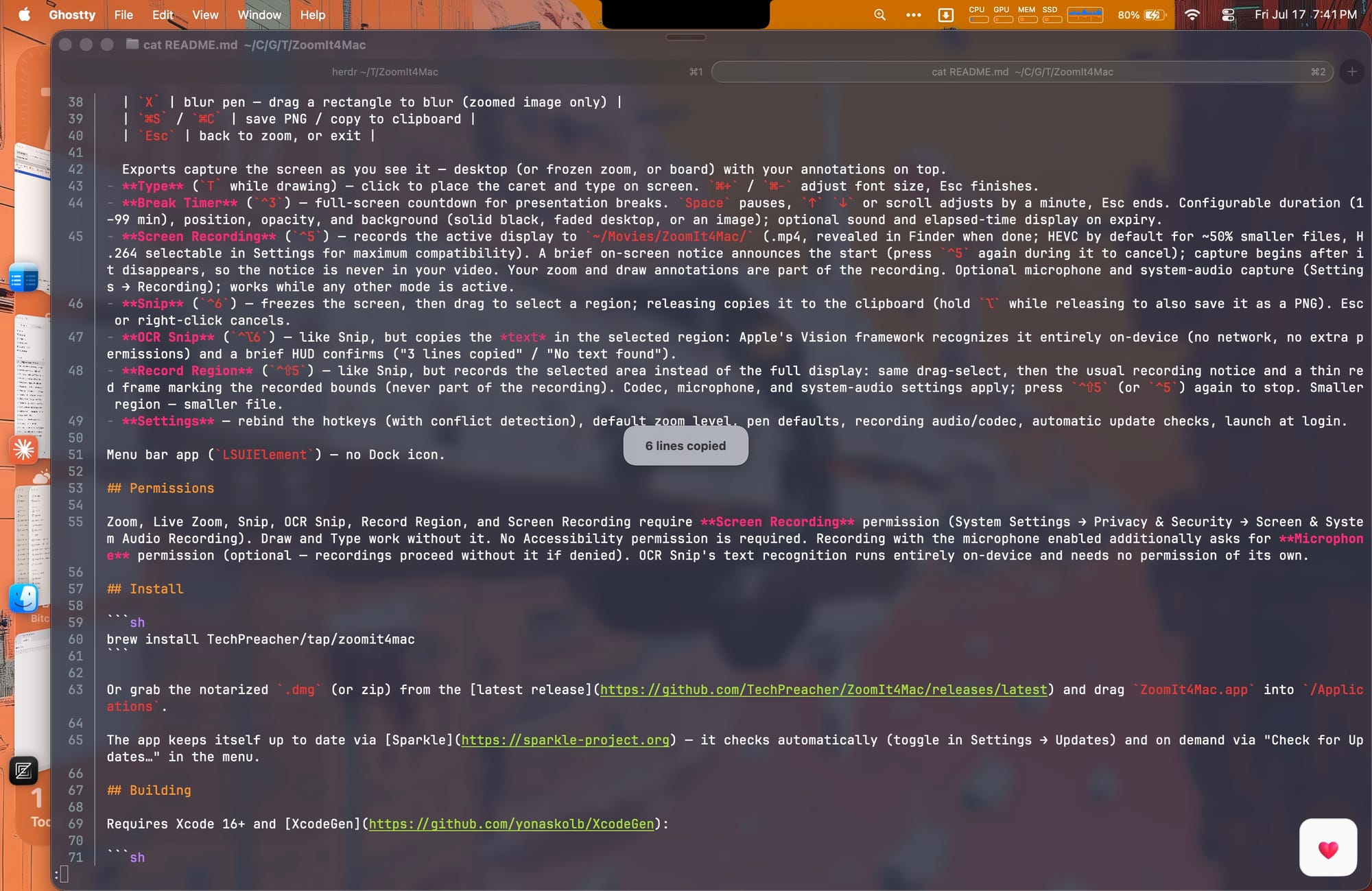
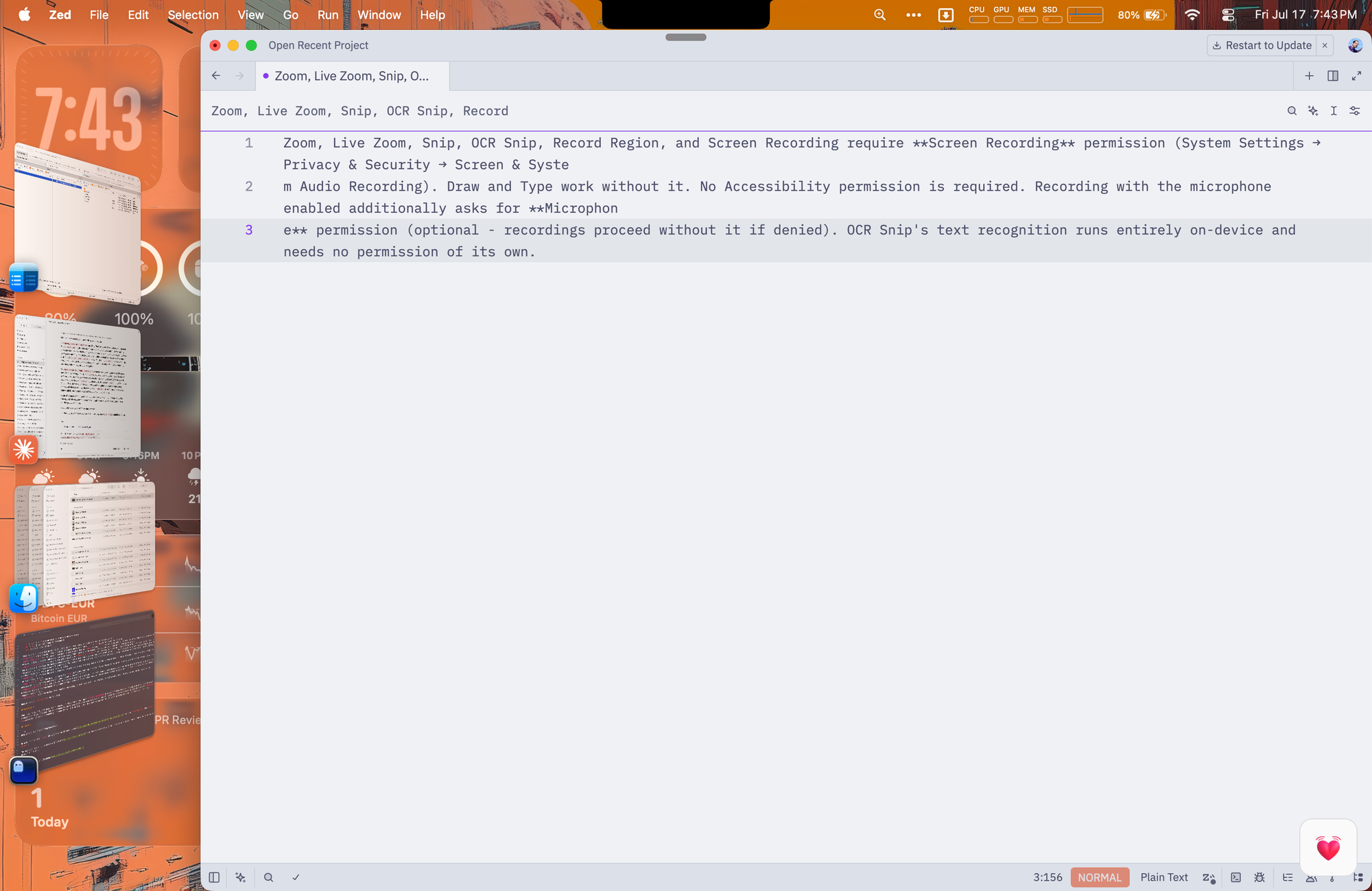
⌃⌥6 freezes the screen, you drag over the text, and the recognized characters land on your clipboard, ready to paste — multi-line, in reading order. A small HUD confirms what happened ("3 lines copied" or "No text found").
The recognition runs entirely on your Mac using Apple's Vision framework. Nothing is sent anywhere, no network is touched, and no new permissions are needed — it works under the same Screen Recording grant Snip already uses. Turn Wi-Fi off and it still works; we checked.
Recordings are now half the size
Screen recordings now default to HEVC with bitrates tuned specifically for screen content — flat regions, sharp edges, lots of static area. The result: files roughly 50% smaller at the same visual quality.
Sharing with someone whose player is picky about HEVC? Settings → Recording lets you switch back to H.264 for maximum compatibility — still smaller than before, because the bitrate tuning applies there too.
The app now updates itself
ZoomIt4Mac 1.1.0 ships with Sparkle, the de-facto standard updater for Mac apps outside the App Store. Updates are checked automatically (you can turn that off in Settings → Updates), delivered as cryptographically signed packages, and installed in place — "Check for Updates…" in the menu bar any time you're curious.
If you installed via Homebrew, brew upgrade keeps working too — the cask now knows the app self-updates, so the two won't fight.
One honest note for the privacy-minded: this is the app's first and only network activity. The update check fetches a version file from GitHub and carries no identifiers, no system profile — nothing beyond what any HTTP request carries. The privacy policy has the details.
Everything is rebindable
⌃⇧5 or ⌃⌥6 clash with something you already use? Every hotkey — the new ones included — can be rebound in Settings, with conflict detection so you can't accidentally double-book a combo. The built-in shortcuts reference panel lists whatever you've chosen.
Get it
- Homebrew:
brew install TechPreacher/tap/zoomit4mac - Direct: grab the signed, notarized DMG from the latest release
- Already on 1.0.0? The app can't auto-update to 1.1.0 from a version that didn't have the updater yet — so this one last time, download it yourself. Every release after this arrives on its own.
ZoomIt4Mac is free, open source (MIT), and native — Apple silicon and Intel, macOS 14+. Source, issues, and feature requests on GitHub.
ZoomIt is a Sysinternals tool by Mark Russinovich; ZoomIt and Sysinternals are trademarks of Microsoft Corporation. ZoomIt4Mac is an independent re-implementation for macOS and is not affiliated with or endorsed by Microsoft.