
ZoomIt4Mac: Bringing the Sysinternals ZoomIt Experience to macOS

If you have ever watched a great technical presenter on Windows, you have probably seen ZoomIt in action — Mark Russinovich's tiny Sysinternals tool that zooms into the screen, draws arrows over live demos, and runs break timers, all without ever showing a window. When I present on a Mac, I missed it every single time. The macOS alternatives each cover a slice — a zoom here, an annotation tool there — but nothing brings the whole keyboard-driven, zero-friction workflow together.
So I built it. ZoomIt4Mac is a free, open-source, native macOS re-implementation of ZoomIt: a menu bar app with no Dock icon that lives entirely behind global hotkeys.
What it does
- Zoom (
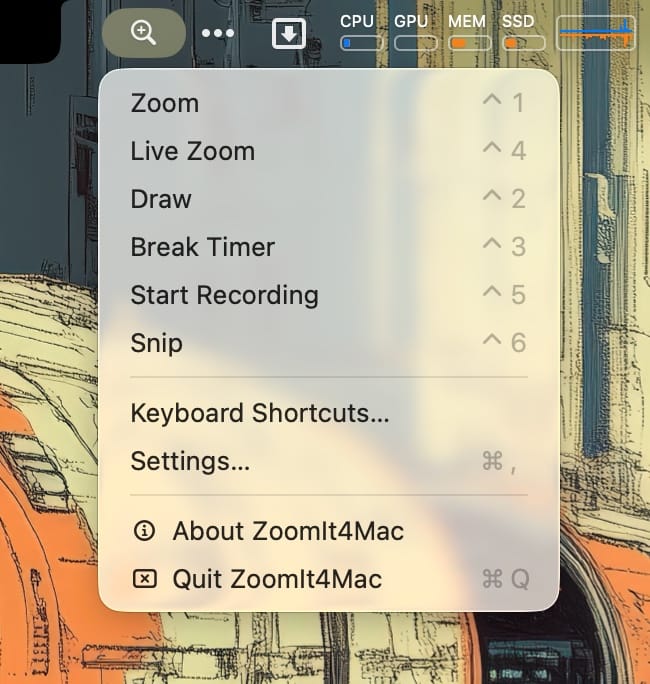
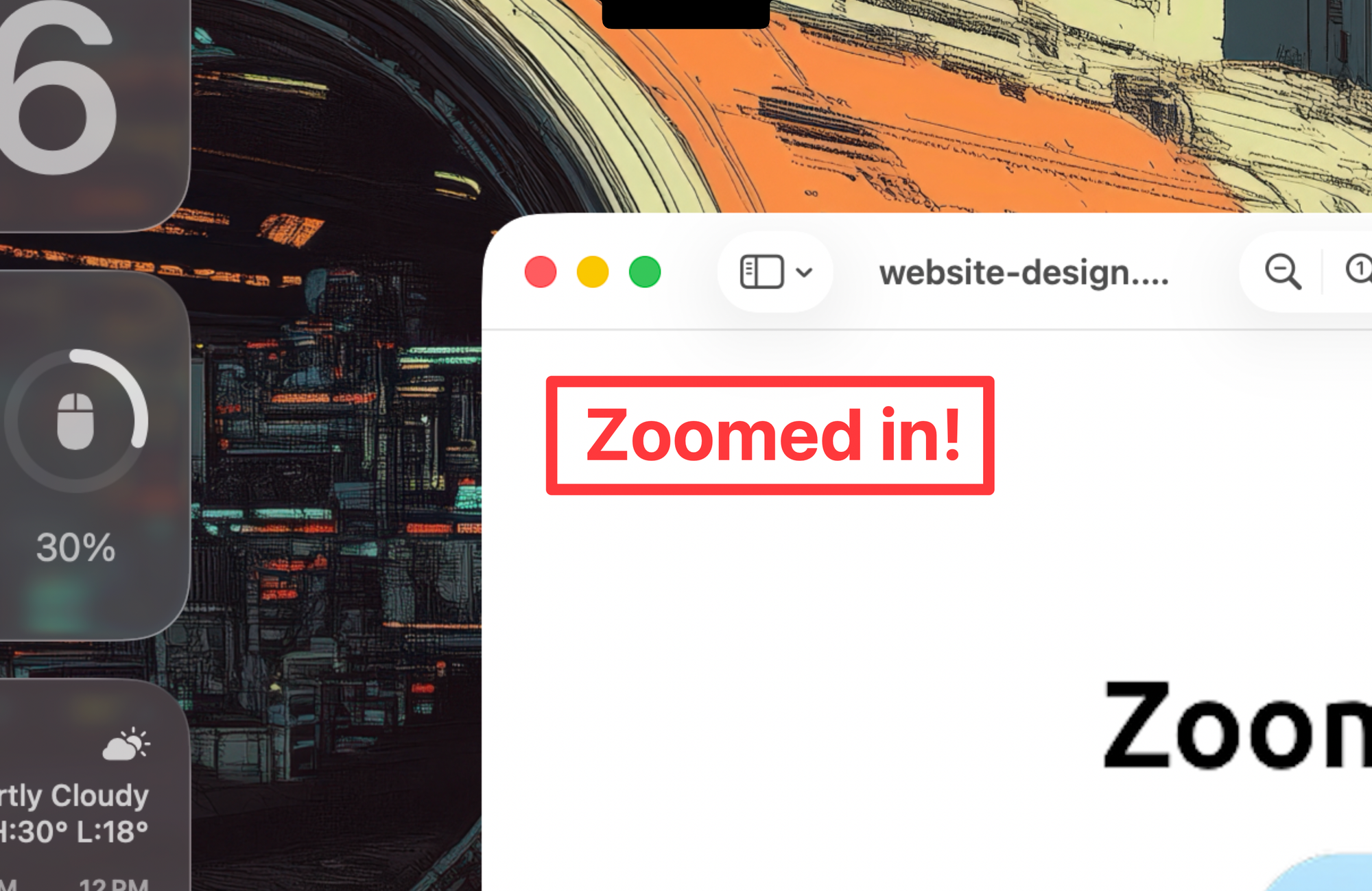
⌃1) — freezes the screen and glides smoothly from 1× up to 8× zoom. Move the mouse to pan; every pixel of every screen edge stays reachable at any magnification.
- Live Zoom (
⌃4) — the same magnification on moving content (video, demos), built on ScreenCaptureKit streaming. - Draw (
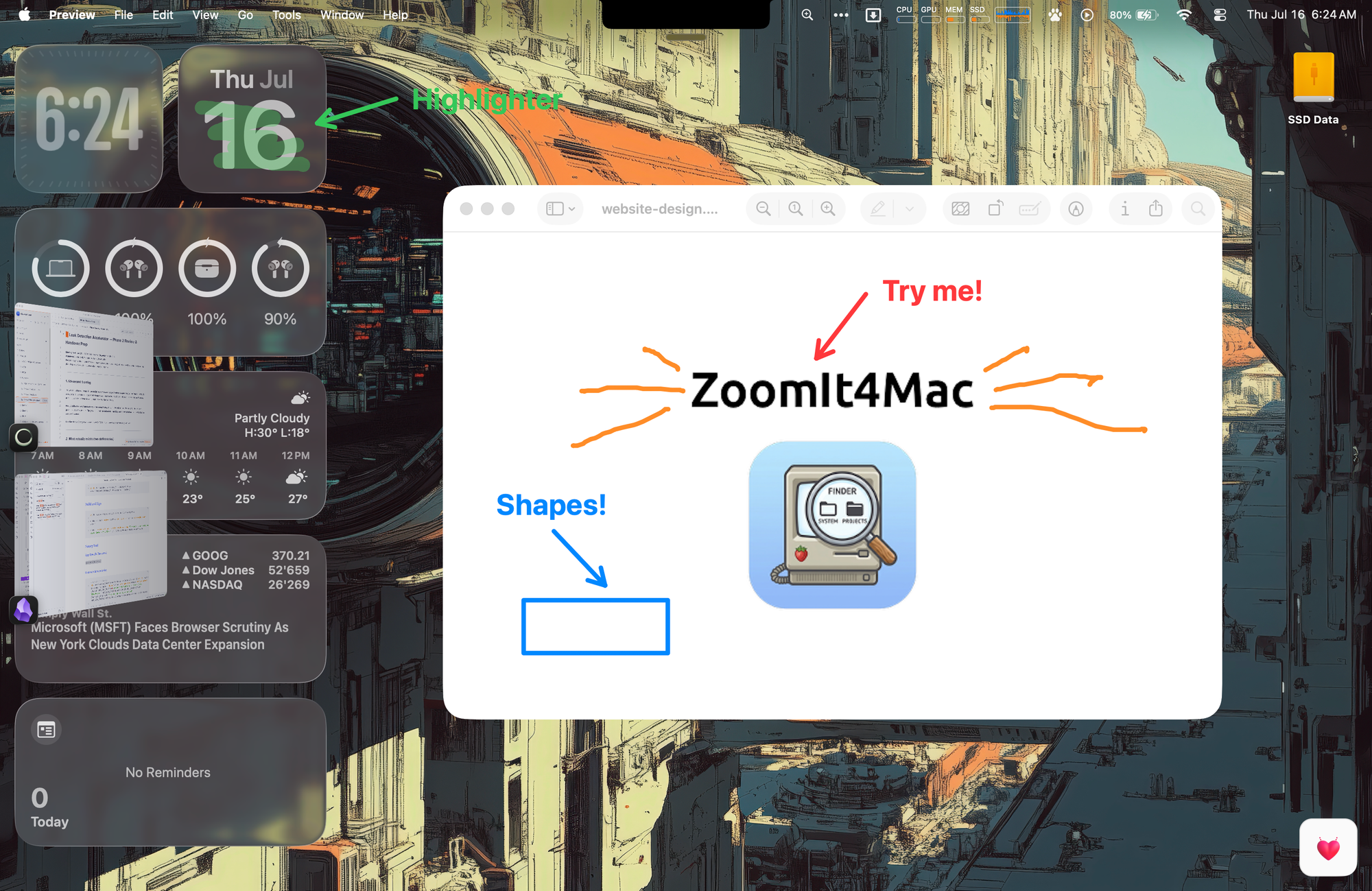
⌃2) — freehand pen, straight lines, arrows, rectangles, ellipses in six colors; a translucent highlighter (H); and a blur pen (X) that Gaussian-blurs a region of the frozen screen — perfect for hiding email addresses or API keys mid-demo. - Type (
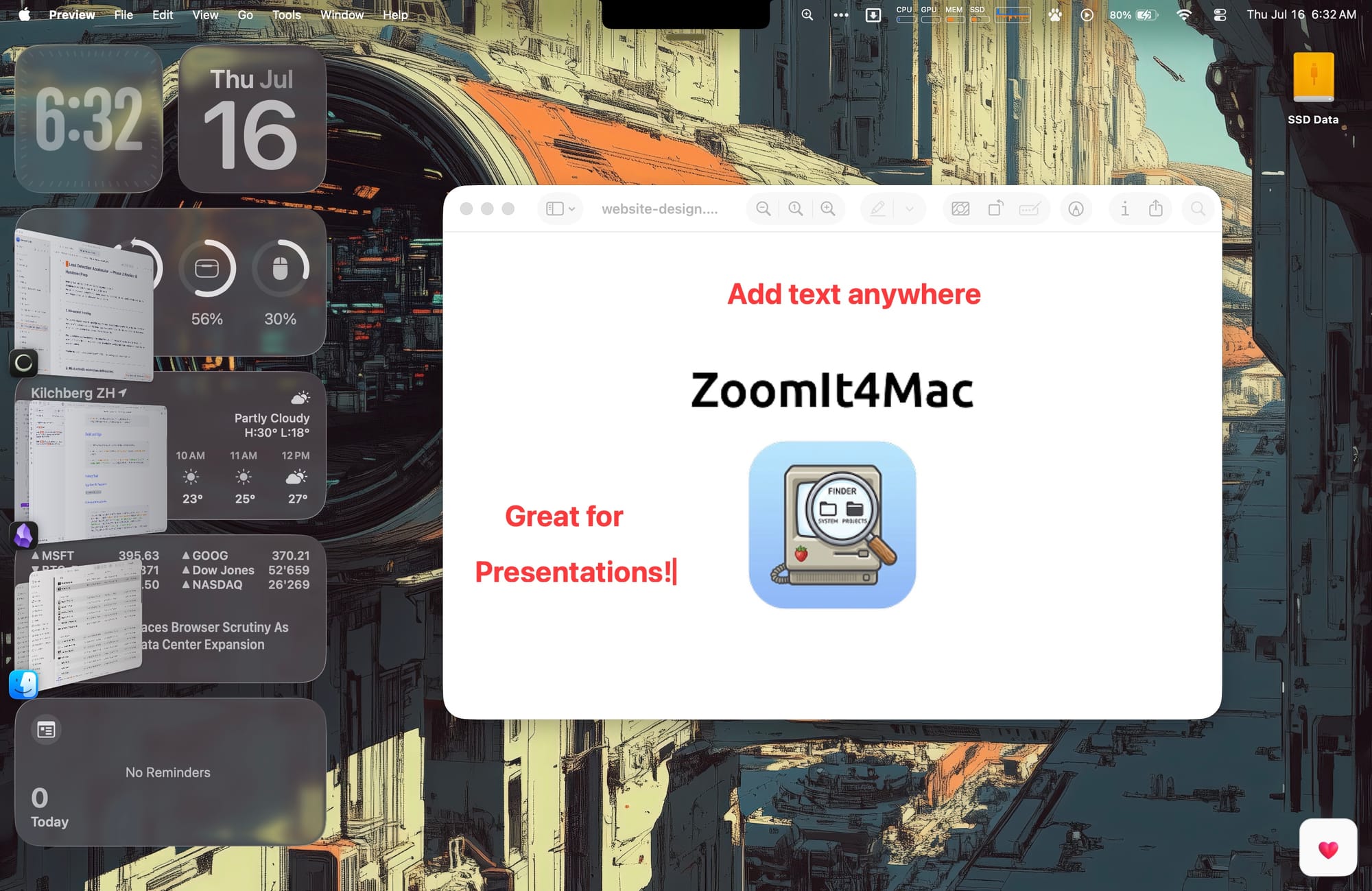
T) — click anywhere and type directly on the screen.
- Break Timer (
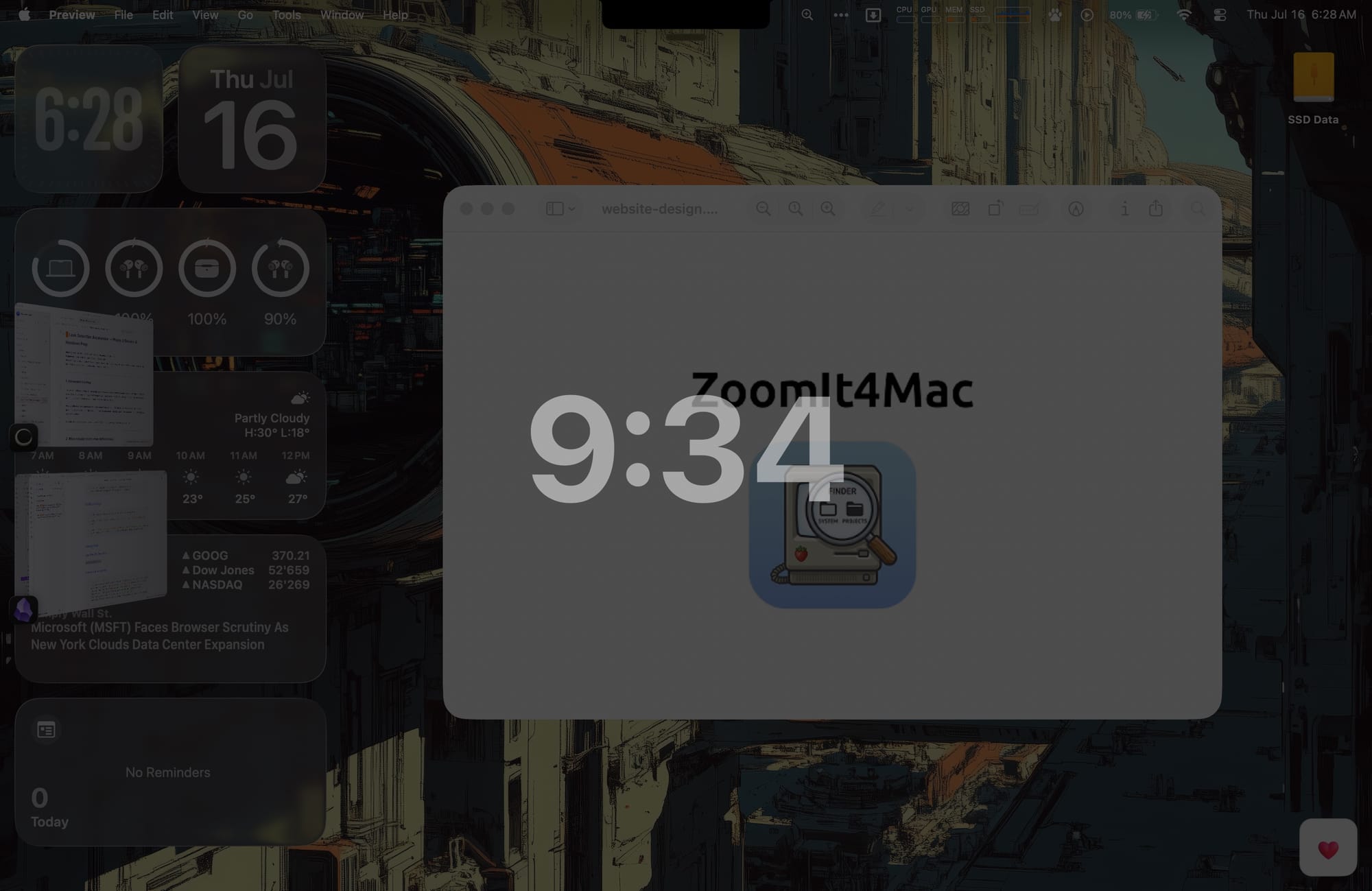
⌃3) — a full-screen countdown for workshop breaks.
- Screen Recording (
⌃5) — H.264 recording of the active display with optional microphone and / or system audio; your zoom and annotations are part of the video. - Snip (
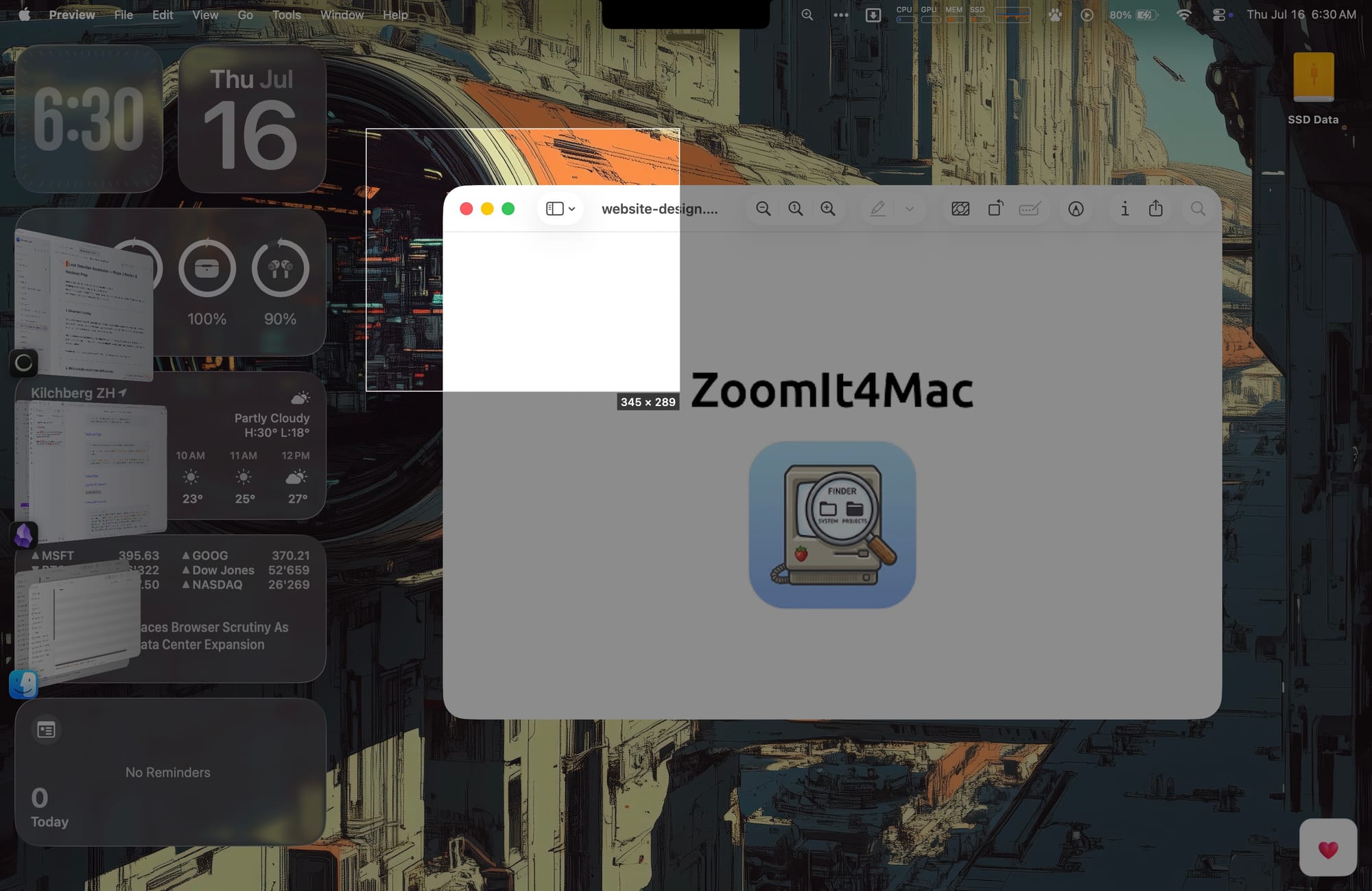
⌃6) — drag a rectangle over the frozen screen, release, and it's on your clipboard.
Everything is rebindable, everything works together (you can record while zooming while drawing), and the app never phones home — no telemetry, no analytics, no update checks.
How it was built
The architecture goal was simple to state and surprisingly productive to enforce: all logic must be testable without a display, without permissions, and without AppKit.
The project is two targets with a hard boundary:
ZoomItCore— a pure Swift framework that never imports AppKit. It owns a single session state machine (idle,capturing,zoom,liveZoom,draw,type,breakTimer,snip, plus an orthogonal recording phase), all the zoom geometry, the annotation model, and settings. Time is always injected as an event parameter — there is noDate()orTimeranywhere in core.ZoomIt4Mac— a deliberately thin AppKit shell. It routesNSEvents into the state machine and executes the effects the machine returns: capture screens, show overlays, start a stream, render.
Every interaction follows one path:
input (hotkey, key, mouse, timer) → state machine → [effects] → shell performs them
        ↑                                                            |
        └──────────── results come back as new events ───────────────┘
Because the machine returns explicit effect arrays, the tests can assert exactly what happens, in order, for every event in every state — "pressing ⌃6 while recording freezes the screen but leaves the recording untouched" is a one-line assertion, not an integration test. The core suite runs 212 headless tests in about a tenth of a second, covering things like negative-origin multi-display arrangements, NaN inputs, undo on empty canvases, and settings migration from every previous version.
The development process itself is worth a note: the app was built feature by feature with Claude Code driving a subagent workflow — a design spec and implementation plan per feature, a fresh implementer agent per task, a reviewer agent gating every task, and a final whole-branch review before each PR. The review gates caught real bugs before they shipped: a race between recording finalization and buffer appends, a data-loss path on filename collision, a phantom-recording state when toggling during a permission prompt.
Learnings (the macOS gotchas file)
The honest treasure of this project is the list of things macOS does that no documentation quite prepares you for:
- Borderless windows silently refuse keyboard input. A stock borderless
NSWindowreturnsfalsefromcanBecomeKey— your overlay shows up, and every keystroke goes to the app behind it. You must subclass and override. - Transparent windows pass clicks through — until you ask them not to. AppKit does per-pixel transparency hit-testing on borderless windows. A fully transparent drawing overlay receives no clicks. The fix is bizarre: explicitly set
ignoresMouseEvents = false— assigning the default value disables the per-pixel behavior. - The window server ignores your cursor. Set
NSCursor.crosshairfrom ordinary code while the pointer sits over a freshly created overlay window and… nothing happens; the arrow stays until the user clicks. Cursor sets are only reliably honored from within a genuine mouse event handler. We re-assert the mode cursor on everymouseMoved— brute force, and exactly what every screenshot tool ends up doing. - TCC permissions are keyed to your code signature. Ad-hoc signed debug builds get a fresh identity every build, so Screen Recording consent resets on every compile. Set a stable
DEVELOPMENT_TEAMeven for debug builds and the grant survives. - Hardened runtime denies the microphone silently. Without the
com.apple.security.device.audio-inputentitlement there is no prompt, no Privacy-pane entry, no error —requestAccessjust returnsfalse. The usage-description string alone is not enough. CGRect.intersectioneats NaN. A rect with a NaN origin intersected with a normal rect can return a perfectly finite result. If you validate geometry, validate before intersecting — our own reference implementation failed its own test case here.- Never present a save panel over a
.screenSaver-level window. The panel opens behind your overlay and the app looks frozen. Dismiss or hide the overlays first, always.
Every one of these came out of an interactive debugging session with instrumentation — log the evidence, find the layer that lies, fix that layer — and each is now pinned in the repo's CLAUDE.md so it never has to be rediscovered.
Try it
- Website: zoomit4mac.corti.com
- Homebrew:
brew install TechPreacher/tap/zoomit4mac - Direct download: notarized
.dmgon the latest GitHub release - Source: github.com/TechPreacher/ZoomIt4Mac (MIT)
macOS 14+, Apple silicon and Intel. Zoom, Live Zoom, Snip, and Recording need the Screen Recording permission once; nothing needs Accessibility.
If you present, teach, record demos, or just want to point at things on a screen like you mean it — give it a spin. Issues and PRs welcome.
ZoomIt and Sysinternals are trademarks of Microsoft Corporation. ZoomIt4Mac is an independent re-implementation for macOS and is not affiliated with or endorsed by Microsoft.